
Wireless networks

Z-Wave
Z-Wave switches, dimmers, shutters, gates, sensors and buttons on the hub's own Z-Wave network, with S2 security. Needs a Z-Wave stick in the hub. Runs without internet.
What it does
- Pairing from Partner: a photo of the device's QR for S2 and SmartStart, or its PIN, or without security for old devices.
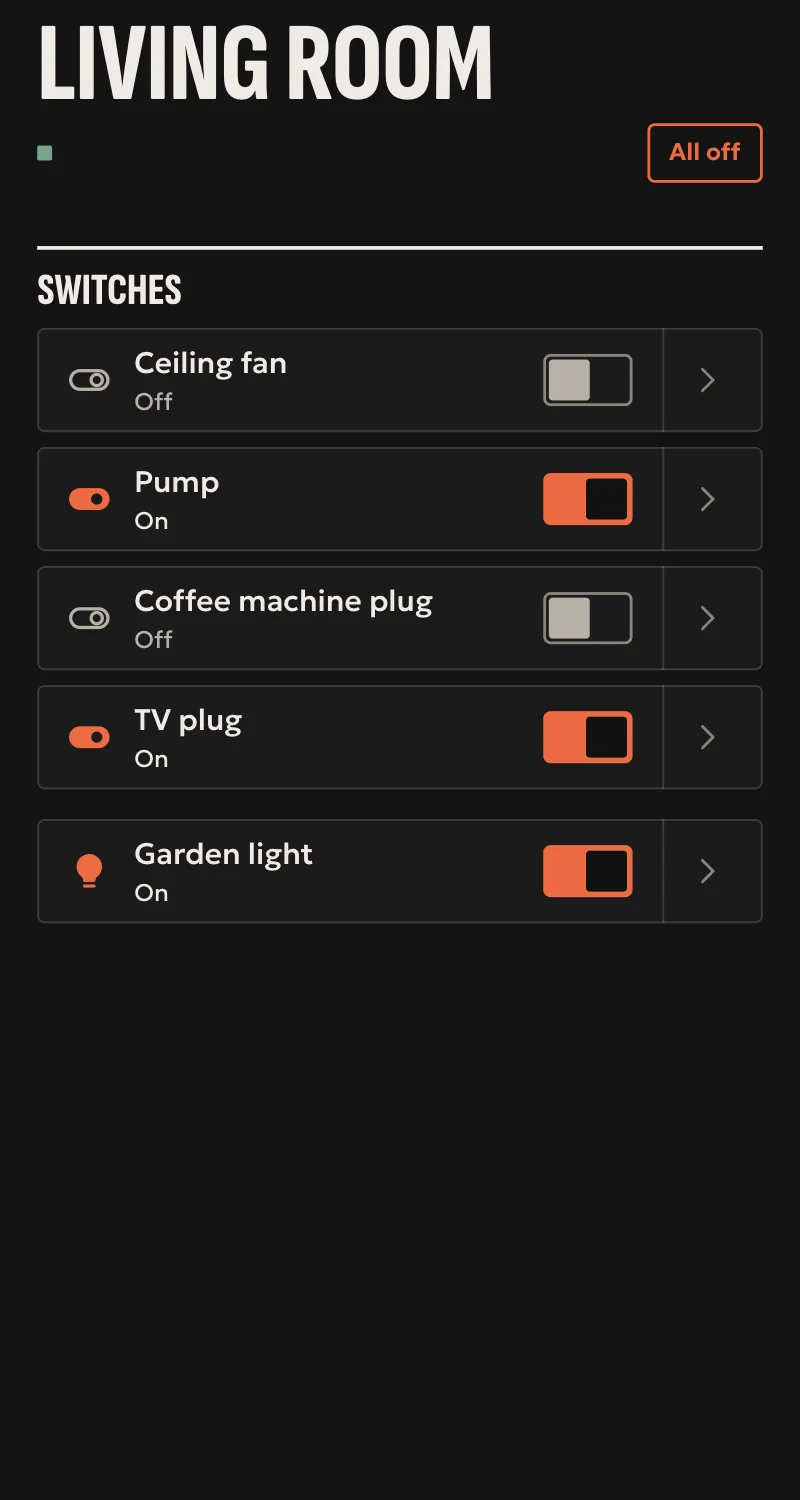
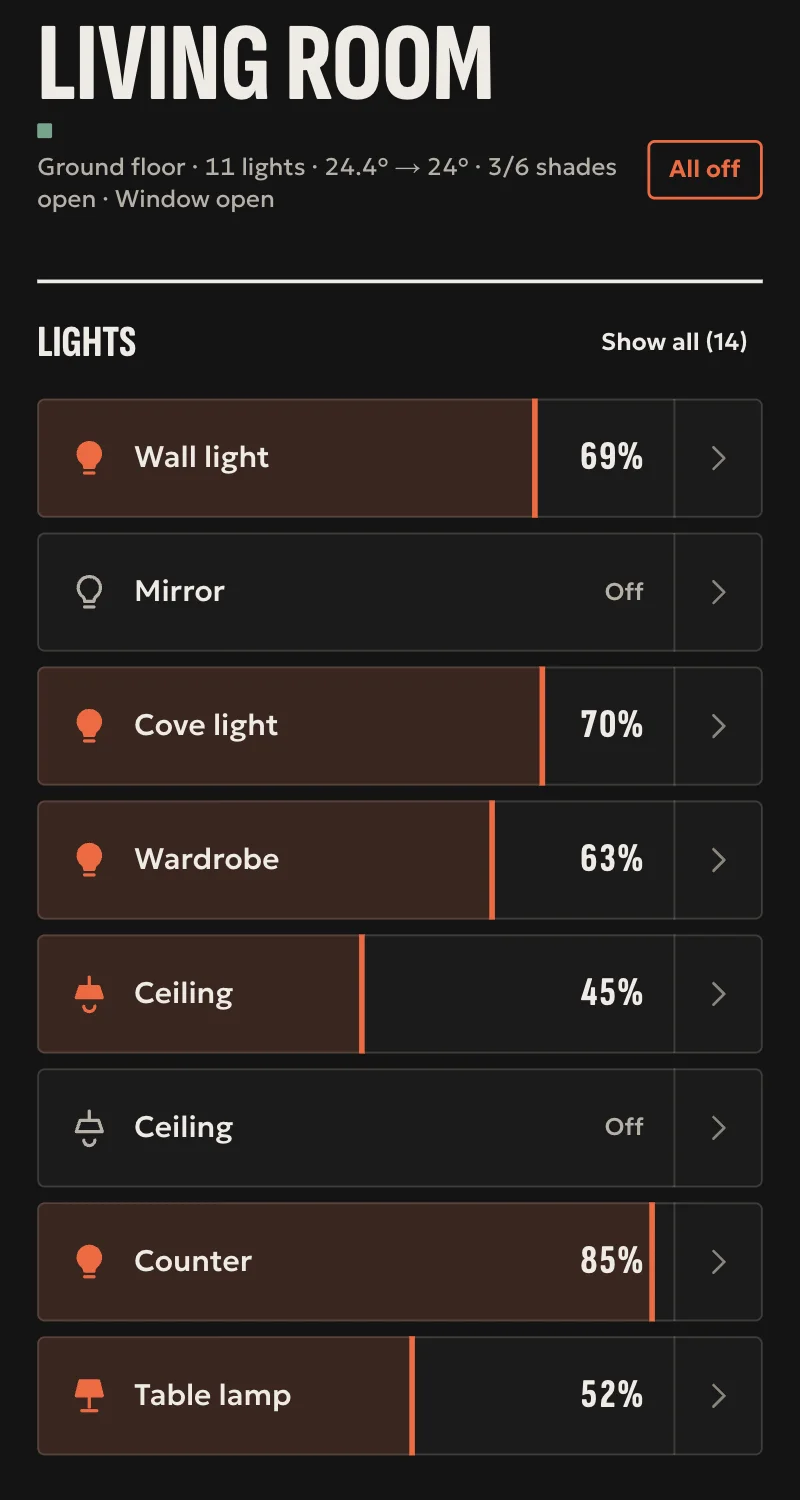
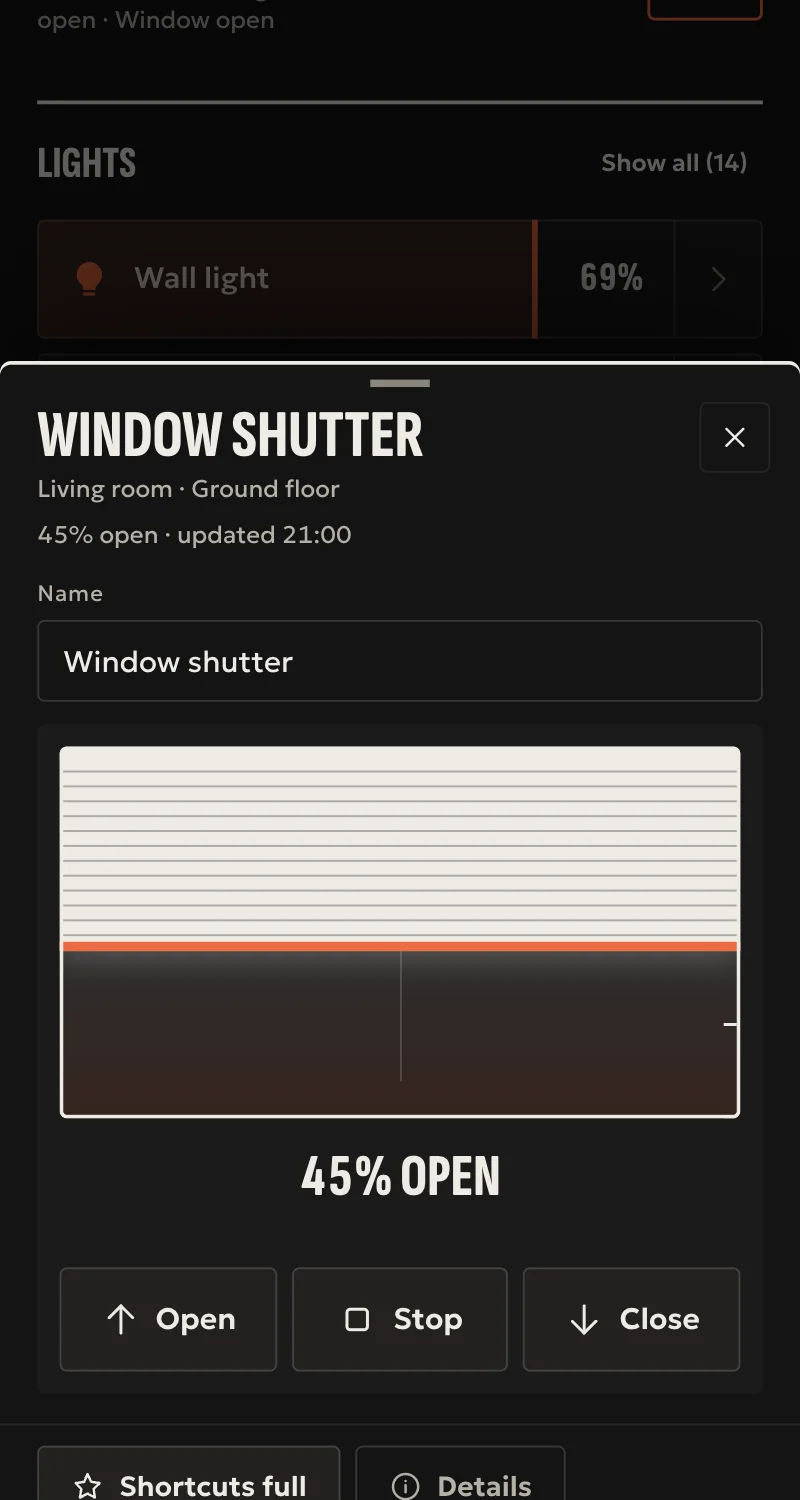
- Switches and relays, each channel of a double switch on its own. Dimmers with brightness. Shutters with position and stop.
- Gates and garage doors (Barrier Operator) under the hub's door rules.
- Door, motion, leak, smoke, CO, temperature (in °C even when the device counts in °F), humidity and light sensors. Power, energy, battery.
- The buttons of wall switches (Central Scene) as events for automations, with press, hold and double press.
- Every command is confirmed by the device. The network keys and a copy of the stick's memory stay in the hub's backup.
Worth knowing
- Locks, thermostats and colour are not loaded yet.
- Tested against a simulated stick so far, not yet with a real stick or device.
Setup guide
Driver: systems.arvio.zwave. Local: runs without internet. Needs a Z-Wave stick in the hub.
The hub runs its own Z-Wave network, with S2 security. Switches, dimmers, shutters, gates, sensors and wall buttons.
What you need
- An 800-series Z-Wave stick in the hub, which SFK confirms and sets up, on a USB extension cable, away from metal and from the Zigbee stick.
- The device, its manual (how it enters pairing), and its label with the QR or the PIN. The PIN is the first 5 digits of the DSK.
- The hub online while you pair, because Partner reaches it over the internet.
How it connects
If the driver is not in «Προσθήκη συσκευής» (Add device), bring it into the installation first: Marketplace → this driver → «Εισαγωγή σε εγκατάσταση» (Import into installation).
A device that was on another Z-Wave network first has to leave it: «Προσθήκη συσκευής» → «Z-Wave: αφαίρεση συσκευής» (Z-Wave: remove a device) → «Αφαίρεση», then press the device's pairing button.
Then: «Προσθήκη συσκευής» → «Z-Wave».
- Press «Φωτογράφισε την ετικέτα» (Photograph the label) and photograph the device's QR. If it has no QR, type the PIN.
- Press «Αναζήτηση» (Search), and within a minute the device's pairing button.
- With a SmartStart QR, the device joins by itself as soon as it has power, now or later.
When Partner says «Προστέθηκε» (Added), press «Ανανέωση» and put the entities in rooms. A battery device's first reading may take a few minutes, until it wakes.
What works
- Switches and relays, each channel of a double switch on its own. Dimmers with brightness. Shutters with position and stop.
- Gates and garage doors (Barrier Operator, e.g. Nice with IBT4ZWAVE) under the hub's door rules. They need the PIN or the QR, for S2 security.
- Door, motion, leak, smoke, CO, temperature (in °C even when the device counts in °F), humidity and light sensors. Power, energy, battery.
- The buttons of wall switches (Central Scene) as events for automations: press, hold, release, double press.
- Every command is confirmed by the device. A shutter or a gate counts once it starts moving there.
- The network keys and a copy of the stick's memory stay on the hub and in its backup.
- «Διαγραφή» (Delete) of a device that no longer answers takes it off the network. A device that answers leaves with «Z-Wave: αφαίρεση συσκευής».
Limits
- Locks, thermostats and colour are not loaded yet.
- Without the PIN or QR a device joins with the lowest S2 security, or without security if that is all it knows.
- Tested against a simulated stick so far, not yet with a real stick or device.
If something goes wrong
- «Το hub δεν βρίσκει stick Z-Wave» (no Z-Wave stick): plug the stick in and try again. If the hub has several USB devices, SFK writes which one in the driver's settings.
- «Καμία συσκευή δεν πάτησε σύζευξη» (no device pressed pairing): the device is still on another network. Do «Z-Wave: αφαίρεση συσκευής» first.
- «Δεν τελείωσε η σύζευξη» (pairing did not finish): bring the device closer to the hub, or add a mains device in between first, which repeats.
- A gate joined but does not open: it joined without the PIN. Remove it with «Z-Wave: αφαίρεση συσκευής» and add it again with the QR or the PIN.
- The stick was lost: the copy of its memory is in the hub's backup, but restoring it to a new stick is not in Partner yet. Ask SFK for help before pairing anything again.