
Switches and covers

TP-Link Kasa και Tapo
TP-Link Kasa and Tapo plugs, power strips, switches and bulbs, straight on the home network, without TP-Link's cloud.
What it does
- The hub finds the devices on the network. Kasa connects with its address alone, Tapo once with the TP-Link account.
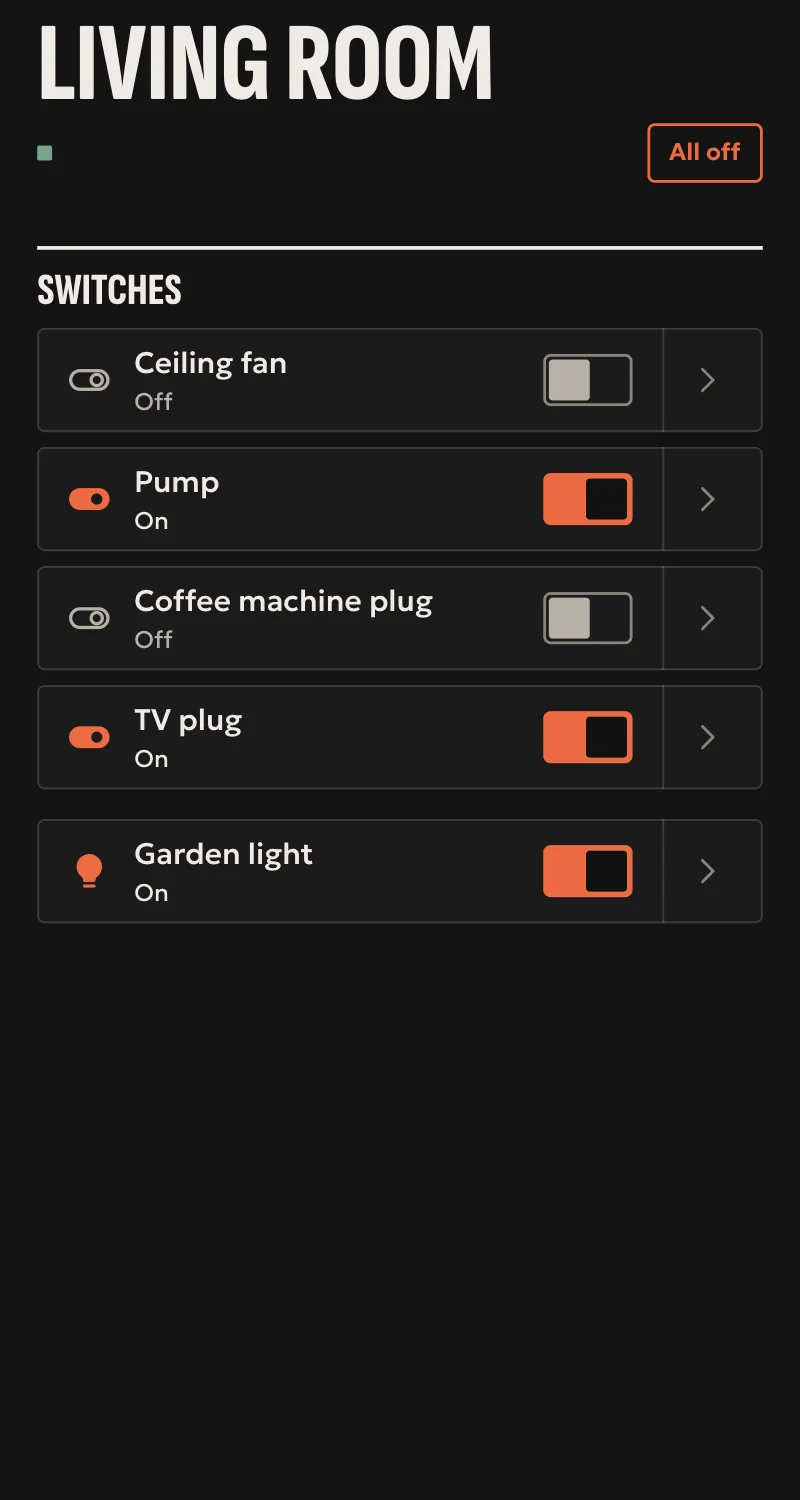
- Plugs and switches, and each outlet of a power strip on its own. Dimmers with brightness.
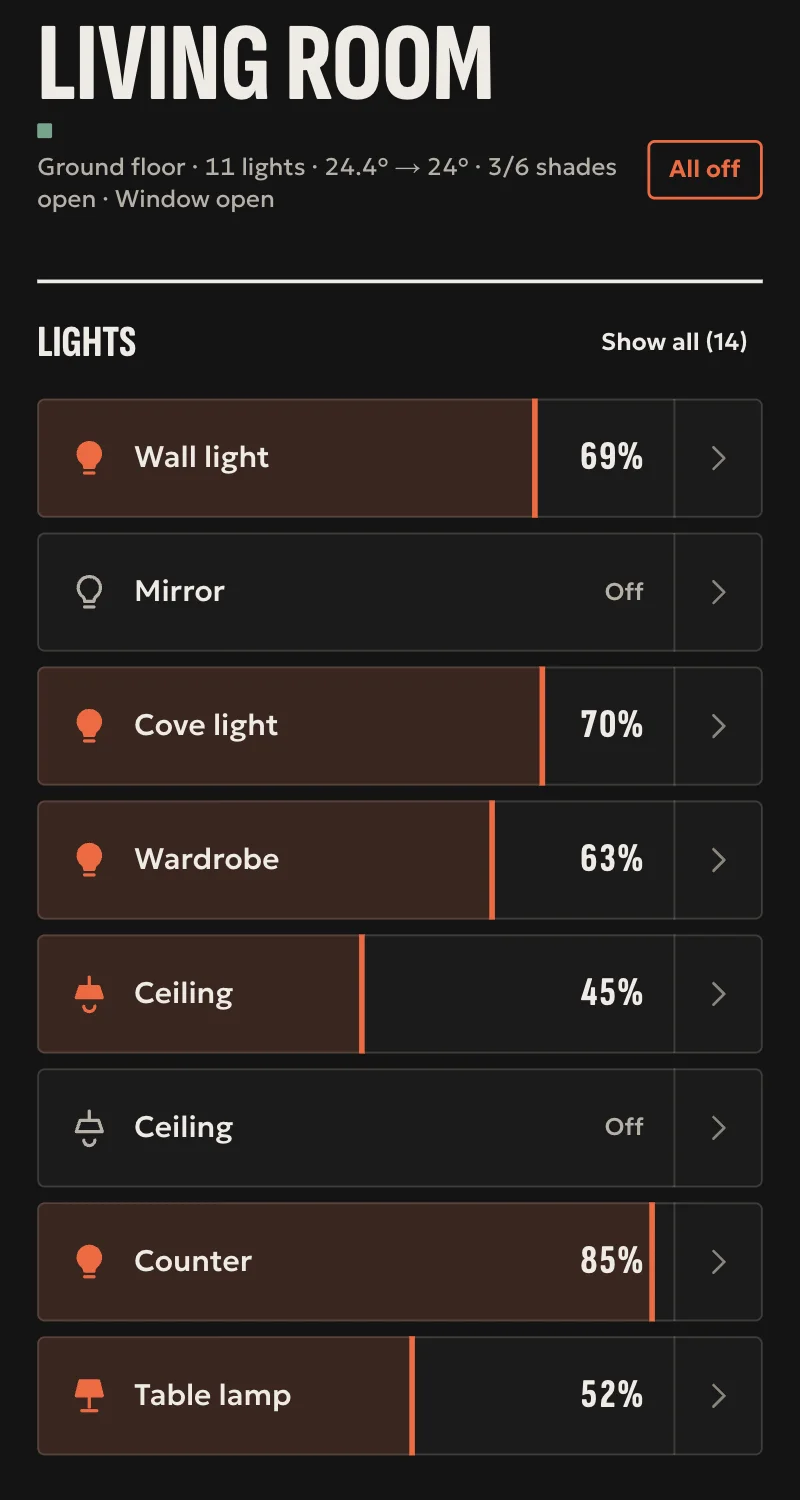
- Bulbs and light strips with brightness, colour and colour temperature.
- Watts from plugs with a meter, and kWh from Kasa, for Energy.
- Every command is confirmed by reading the device back.
Worth knowing
- For Tapo the hub keeps only a fingerprint of the account, not the password. It needs Third-Party Compatibility on in the Tapo app.
- Kasa on new firmware that asks for an account, Tapo power strips, the Tapo H100 hub and Tapo cameras are not supported yet.
- TP-Link does not publish this local way of control: a TP-Link firmware update can stop it.
- Tested against a simulated device so far, not yet on a real one.
Setup guide
Driver: systems.arvio.tplink. Local: it talks to the device straight on the home network. It does not go through TP-Link's cloud.
For Kasa plugs, power strips, wall switches, dimmers and bulbs, and for Tapo plugs, switches and bulbs.
What you need
- The device already on the home Wi-Fi, set up in the Kasa or Tapo app, its address reserved on the router.
- Tapo: the email and password of the TP-Link account the device was set up with, once.
- Tapo: in the Tapo app, Me → Third-Party Services → Third-Party Compatibility switched on.
How it connects
If the driver is not in «Προσθήκη συσκευής» (Add device), bring it into the installation first: Marketplace → this driver → «Εισαγωγή σε εγκατάσταση» (Import into installation).
In Partner, open the hub and go to «Συσκευές» → «Προσθήκη συσκευής» → «TP-Link Kasa και Tapo».
- Pick the device it found, or type its address.
- Kasa: leave the email and password empty. Tapo: type the TP-Link account's email and password. For the next Tapo in the same home they can stay empty.
- Press «Σύνδεση» (Connect).
When Partner says «Προστέθηκε» (Added), press «Ανανέωση» (Refresh) and put the devices in rooms. A power strip gives one entry per outlet.
What works
- Plugs and switches: on, off, toggle. Each outlet of a Kasa power strip on its own.
- Kasa dimmers with brightness.
- Bulbs and light strips with brightness, colour and colour temperature, where the bulb has them.
- Watts from plugs with a meter (e.g. Kasa HS110, KP115, Tapo P110), and kWh from Kasa, for Energy.
- Every command is confirmed by reading the device back. Read every 5 seconds.
- An entry you do not want leaves with «Διαγραφή» (Delete), and the rest of the device stays.
Limits
- For Tapo the hub keeps only a fingerprint of the account, not the email or the password.
- Kasa on new firmware that asks for an account, Tapo power strips, the Tapo H100 hub and Tapo cameras are not supported yet.
- TP-Link does not publish this local way of control: a TP-Link firmware update can stop it.
- A light switch shows as a switch. If it is a light, give it an icon from «Φώτα» (Lights) in «Συσκευές» (Devices).
- Tested against a simulated device so far, not yet on a real one.
If something goes wrong
- «If it is a Tapo, type the email and password»: the device did not answer as a Kasa without an account. If it is a Tapo, type the TP-Link account.
- «The email or the password does not match»: type them as in the app, with their capitals. If it is a Kasa on new firmware, it is not supported yet.
- «Turn on Third-Party Compatibility in the Tapo app»: the device is on TP-Link's newer login. Switch it on, wait a few seconds and try again.
- «Not answering», or «Unavailable» later: the device is off or changed address. Reserve the address on the router.