
TV and audio

Samsung TV
Samsung Tizen TVs from 2016 on, on the local network. Pairing takes one press of Allow on the TV.
What it does
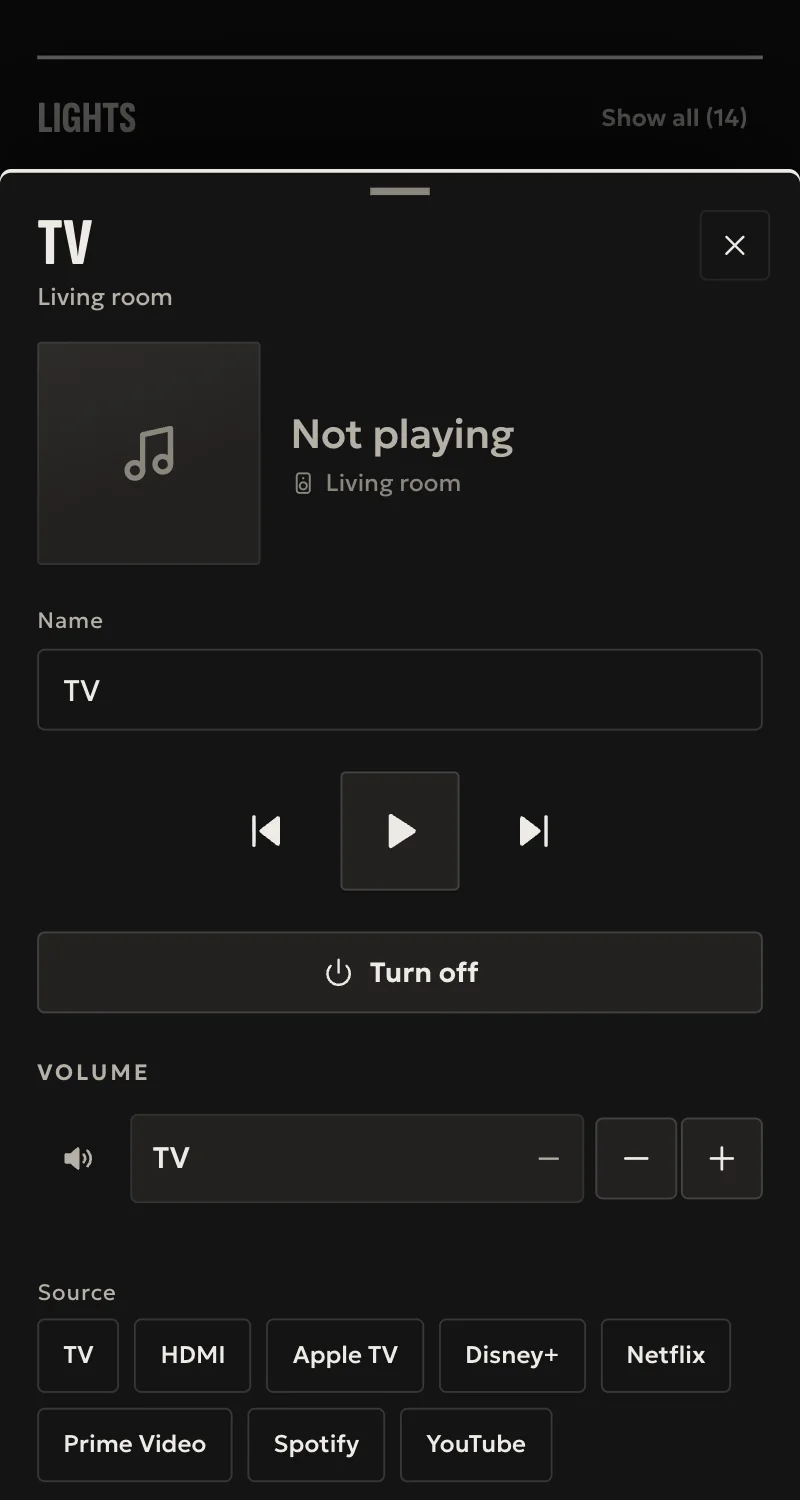
- Power off, and power on by Wake-on-LAN when the TV reports its MAC address. The TV confirms both.
- Volume up and down, play, pause, channel up and down.
- Volume level and mute, where the TV offers them over UPnP: Home shows them, and the TV confirms every change.
- Source: TV, HDMI and the TV's apps.
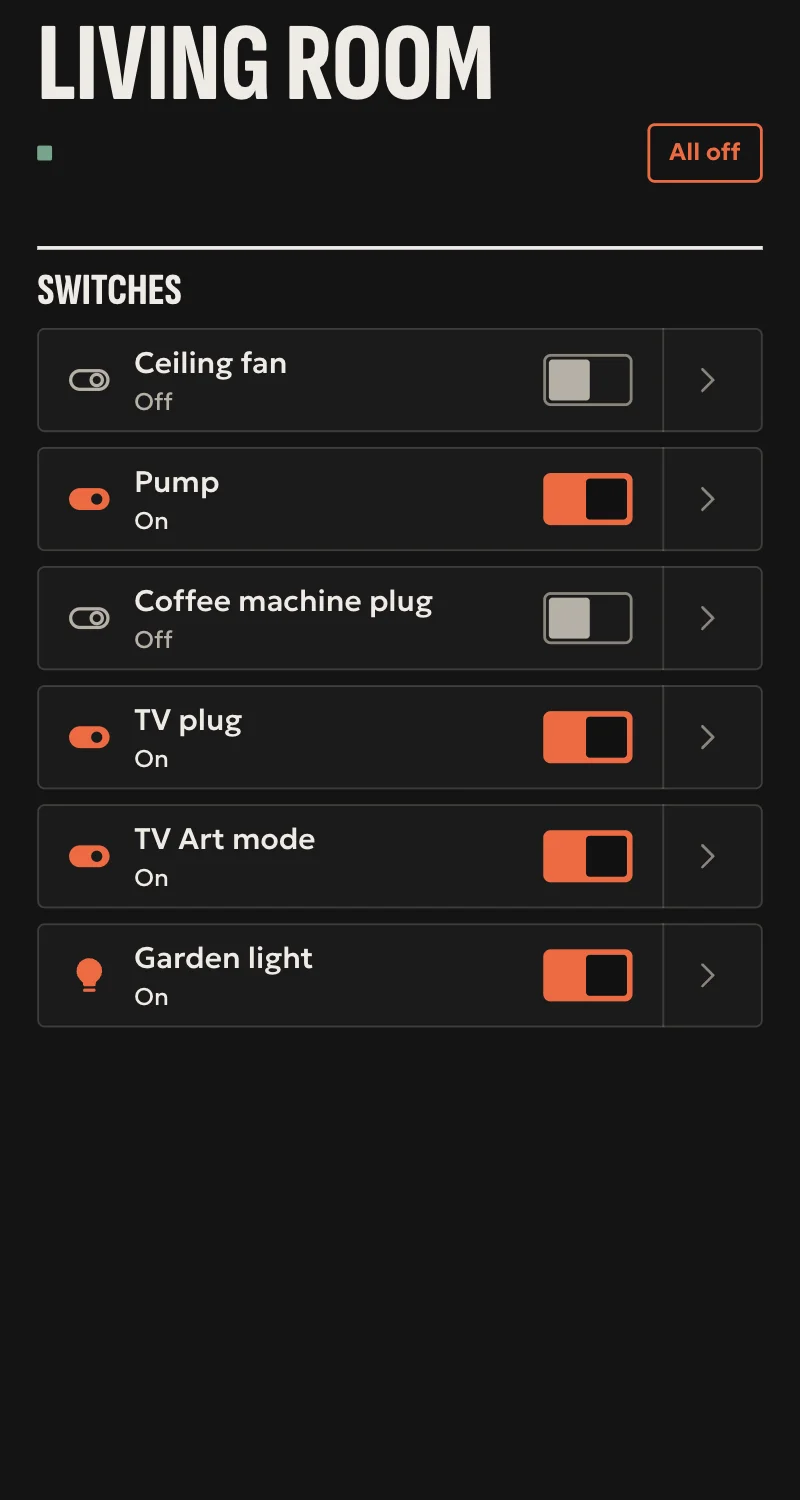
- The Frame: art mode on and off, confirmed by the TV.
Worth knowing
- H and J series and older sets are not supported.
- Volume level and mute have not been tried on a real TV yet. Where the TV does not answer over UPnP, the volume keys stay, and mute is a toggle.
- No current source, and no screen takes a channel number yet.
- Other keys and app launches get no reply from the TV, so Arvio knows they were sent, not that they worked.
- A TV in deep standby leaves the network and shows as off.
- The TV only accepts connections from its own subnet.
Setup guide
Driver: systems.arvio.samsung-tv. Local: no internet or Samsung account needed. Pairing needs someone at the TV.
For Samsung Tizen TVs from 2016 on. H and J series and older sets are not supported.
What you need
- The TV switched on, on the same subnet as the hub. It refuses connections from any other subnet.
- The TV's address. Reserve it in the router.
- Someone in front of the TV with its remote.
How to connect
If the driver is not in «Προσθήκη συσκευής» (Add device), bring it into the installation first: Marketplace → this driver → «Εισαγωγή σε εγκατάσταση» (Import into installation). Whatever «Εύρεση στο δίκτυο» (Find on the network) finds comes in by itself.
In Partner, open the hub and go to «Συσκευές» (Devices) → «Προσθήκη συσκευής» (Add device) → «Τηλεόραση Samsung».
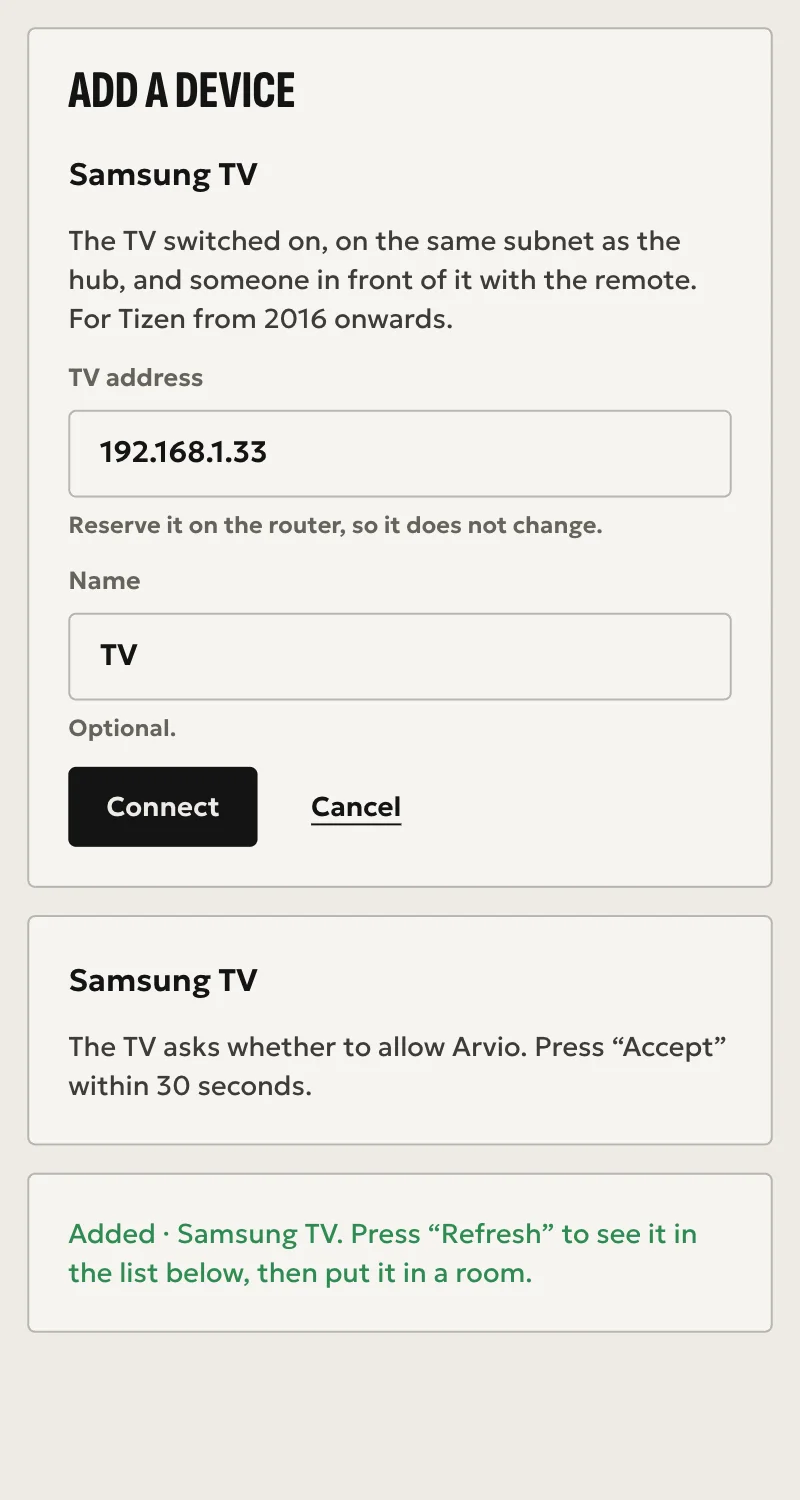
- Type the TV's address, and a name if you want one other than the TV's own. The hub does not look for TVs on the network, so the address is typed by hand.
- Press «Σύνδεση» (Connect), with the TV on and someone in front of it.
- The TV asks whether to allow Arvio. Press Allow within 30 seconds.
When Partner says «Προστέθηκε» (Added), press «Ανανέωση» (Refresh). The TV appears in the «Συσκευές» list. On The Frame an art mode switch appears too. Put them in a room from «Δωμάτια» (Rooms).
What works
- Power off, and power on by Wake-on-LAN when the TV reports its MAC address. The TV confirms both.
- Volume up and down, play, pause, channel up and down.
- Volume level and mute, where the TV offers them over UPnP: Home shows them, and the TV confirms every change. The hub finds them by itself, with nothing to set.
- Source: TV, HDMI and the TV's apps.
- The Frame: art mode on and off, confirmed by the TV.
Limits
- Volume level and mute have not been tried on a real TV yet. Where the TV does not answer over UPnP, the volume keys stay, and mute is a toggle.
- No current source, and no screen takes a channel number yet.
- Other keys and app launches get no reply from the TV, so Arvio knows they were sent, not that they worked.
- A TV in deep standby leaves the network and shows as off.
Troubleshooting
- Partner says the TV does not answer → it is off, or on another subnet.
- Nobody pressed Allow in time → press «Σύνδεση» (Connect) again, with someone ready at the TV.
- Someone pressed Deny → press «Σύνδεση» (Connect) again, then Allow on the TV. If the question does not come back, look for Arvio in the TV's Device Connection Manager.
- Partner says the address does not answer as a Samsung Smart TV → check the address. If it is right, the set is too old.
- Partner says the TV did not accept the connection → press «Σύνδεση» (Connect) again.
- Commands fail after working for a while → the TV refused the hub's token, or the TV was replaced. Pair again in the same way.
- The TV does not wake from Arvio → it did not report a MAC address, or it did not wake in time. Switch it on with its remote.
- Partner says the hub runs an older version of Arvio Core → the hub needs updating. Ask SFK for it, then try again.