
Cameras

ONVIF cameras
IP cameras and NVRs that speak ONVIF, on the local network: camera entries, event sensors and IR and focus switches.
What it does
- Finds ONVIF cameras on the network.
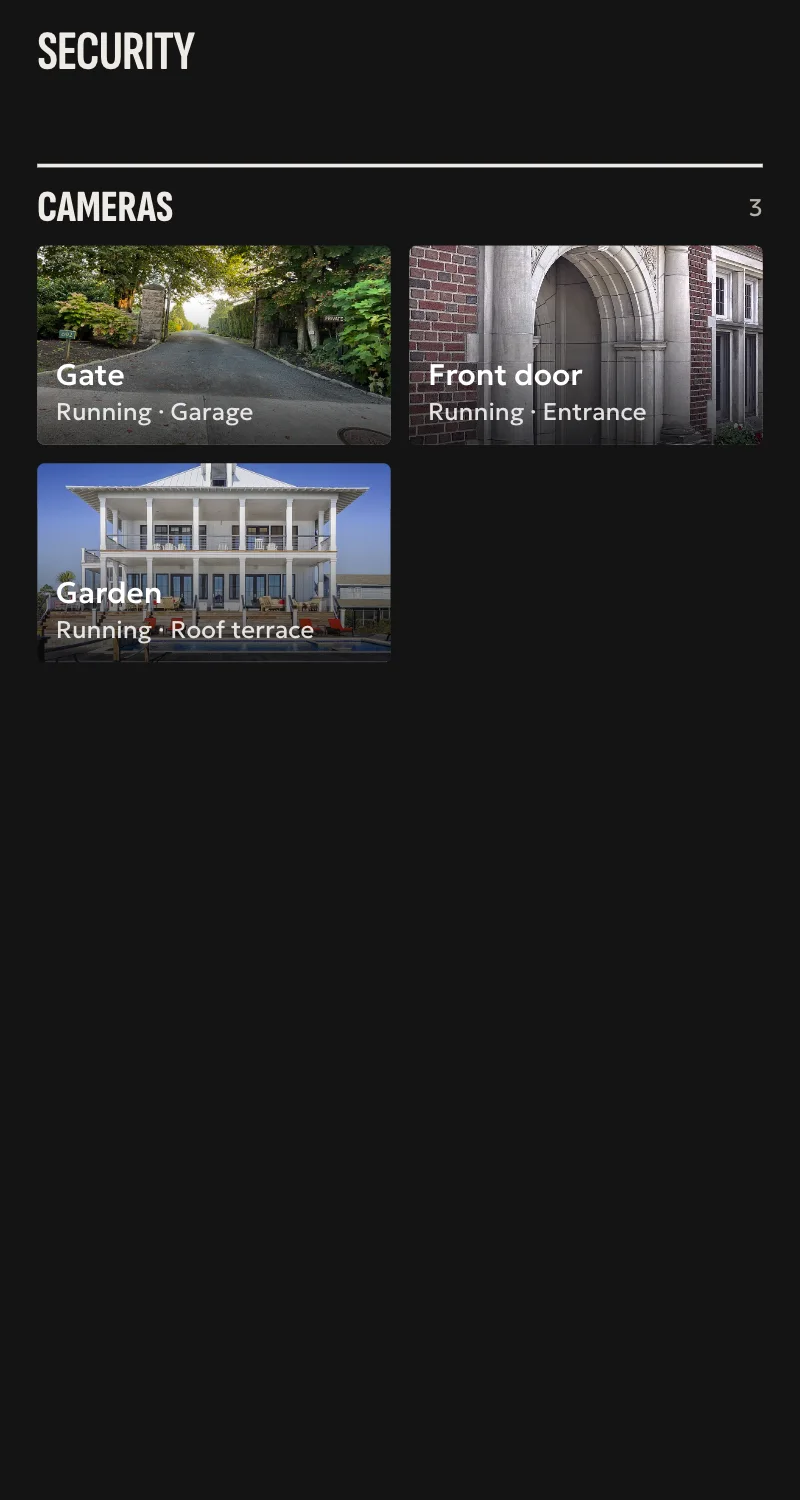
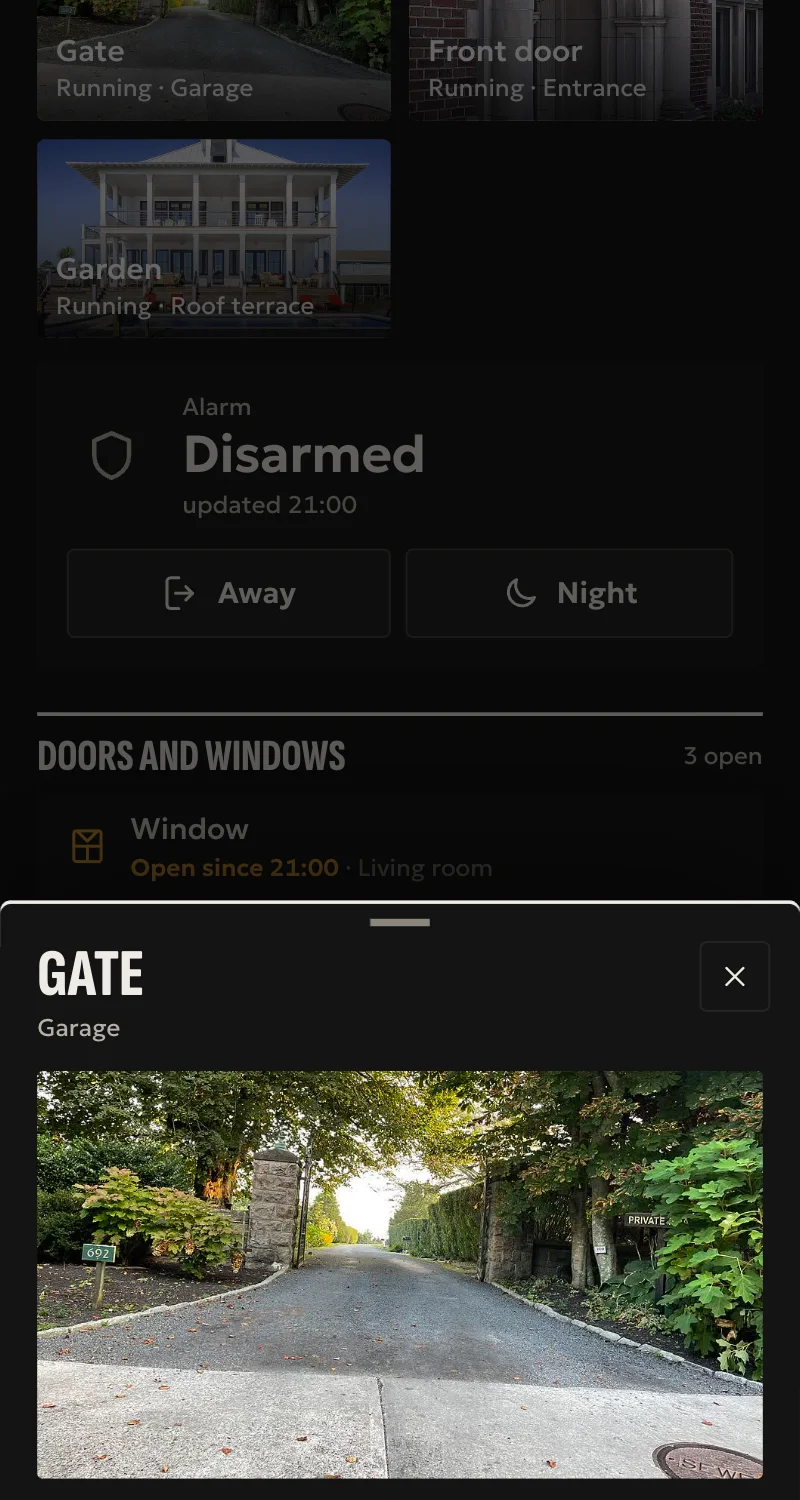
- Live and still picture in Home.
- One camera entry per H.264 profile, and one per channel on an NVR.
- IR lamp and autofocus switches, confirmed by the camera.
- Wiper switch on cameras with a PTZ service. ONVIF cannot read it back, so its state is assumed.
- PTZ cameras: arrows and zoom on the live picture in Home (it moves while you hold), and the positions saved in the camera.
- Sensors for what the camera sends, such as motion, person, vehicle, sound, tamper and storage failure.
Worth knowing
- The live picture has no sound and runs a few seconds late.
- H.264 only: a camera with no H.264 profile is refused.
- A camera with a manual clock more than 5 seconds off is set to the hub's time.
- A wrong password is not retried, because some cameras lock the account.
- Tested on a real camera, picture and live video. Events, switches and NVRs only against simulated devices.
Setup guide
Driver: systems.arvio.onvif. Local: no internet or maker's account needed.
For IP cameras and NVRs that speak ONVIF. This driver brings in the cameras with a live picture in Home, their event sensors and their switches.
What you need
- The camera on the same network as the hub.
- A fixed address for it. Reserve it in the router.
- ONVIF turned on in the camera, with a username and password.
- The ONVIF port. It is often 80, not 554.
- At least one H.264 stream on the camera. A camera with none is refused.
How to connect
If the driver is not in «Προσθήκη συσκευής» (Add device), bring it into the installation first: Marketplace → this driver → «Εισαγωγή σε εγκατάσταση» (Import into installation). Whatever «Εύρεση στο δίκτυο» (Find on the network) finds comes in by itself.
- Turn on ONVIF in the camera's or NVR's own settings and create the user. Check that a stream is set to H.264.
- In Partner, open the hub and go to «Συσκευές» (Devices) → «Προσθήκη συσκευής» (Add device) → «Κάμερα ή NVR (ONVIF)» (Camera or NVR). Or press «Εύρεση στο δίκτυο» (Find on the network) and «Σύνδεση» (Connect) next to the camera.
- Enter the address, the ONVIF port only if it is not 80, the user, the password and a name if you want one. Press «Σύνδεση» (Connect). An NVR takes up to a minute.
The cameras appear under «Συσκευές» (Devices). An NVR brings one camera per channel. Put them in rooms from «Δωμάτια» (Rooms). For the picture to open on wall panels, put the camera on the screen from «Οθόνες» (Screens).
What works
- One camera entry per H.264 profile, and one per channel on an NVR.
- IR lamp and autofocus switches, confirmed by the camera.
- Wiper switch on cameras with a PTZ service. ONVIF cannot read it back, so its state is assumed.
- Sensors for what the camera sends, such as motion, person, vehicle, sound, tamper and storage failure.
Limits
- The live picture has no sound and runs a few seconds late.
- No pan, tilt or zoom control.
- A camera with a manual clock more than 5 seconds off is set to the hub's time. If it cannot be set, the driver uses the camera's time.
- A wrong password is not retried, because some cameras lock the account.
- Tested on a real camera, picture and live video. Events, switches and NVRs only against simulated devices.
Troubleshooting
- Partner says the user or password is wrong → correct them and try again. First check the camera has not locked the account.
- Partner says the hub found no device → check the address, the port and that ONVIF is on.
- The camera is refused for having no H.264 profile → set a stream to H.264 in the camera's settings.
- The camera cannot be reached → check the address and the ONVIF port.
- An event sensor is missing → a sensor appears the first time the camera sends that event. Not every camera event has a sensor.
- The wiper switch does not match the wiper → its state is what was last sent. ONVIF cannot read it back.