
Wireless networks

MQTT
Devices from the house's MQTT broker, through the discovery Zigbee2MQTT, Tasmota and ESPHome send. Local, no internet.
What it does
- Connected from Partner to the house's broker (e.g. Mosquitto), with a user and password if it asks.
- Or a broker inside the hub, for a home without Mosquitto: off until the installer turns it on, only for the home's network, each device with a user and password of its own.
- Devices come by themselves, and one removed from the broker leaves the hub too.
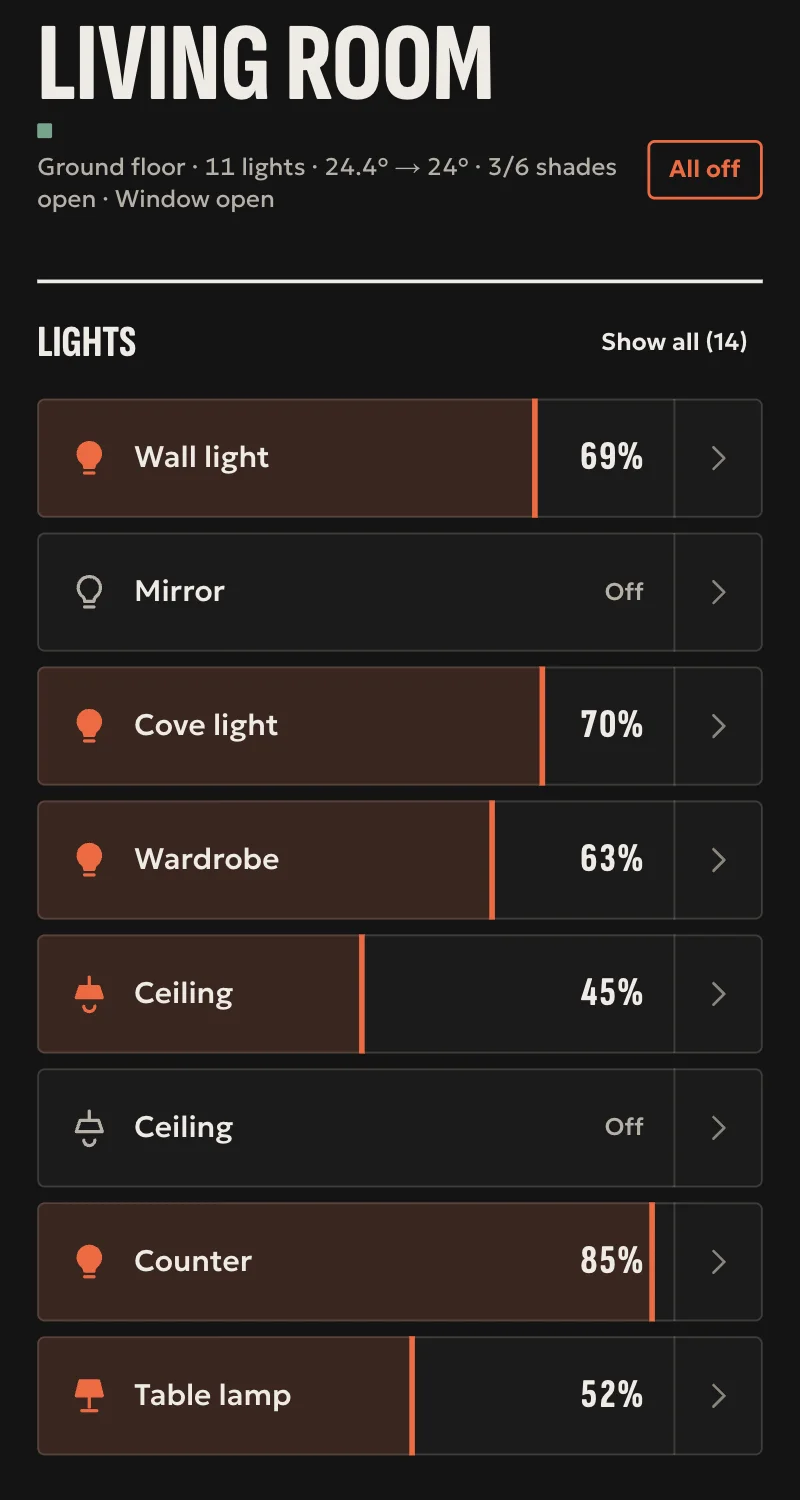
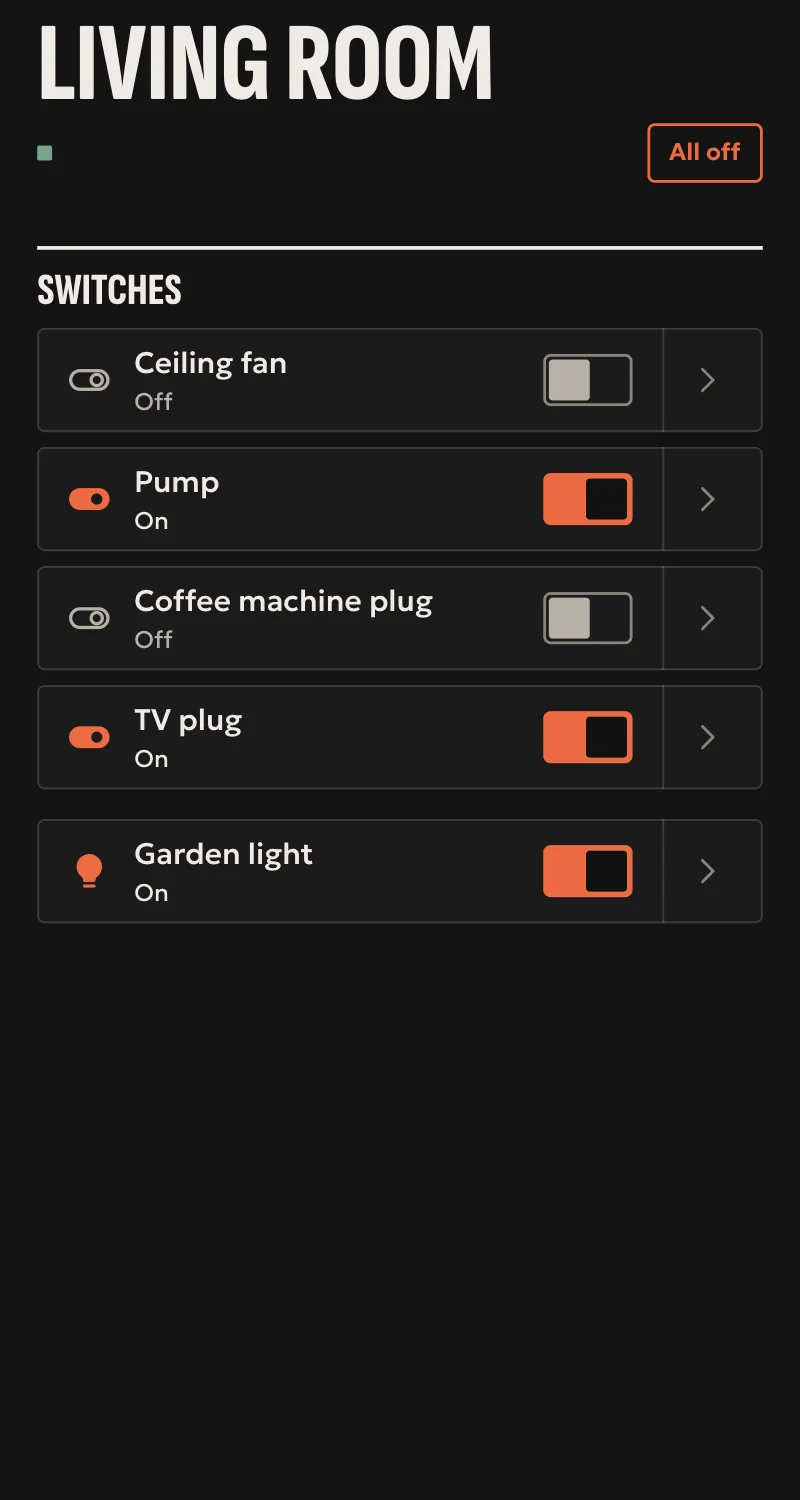
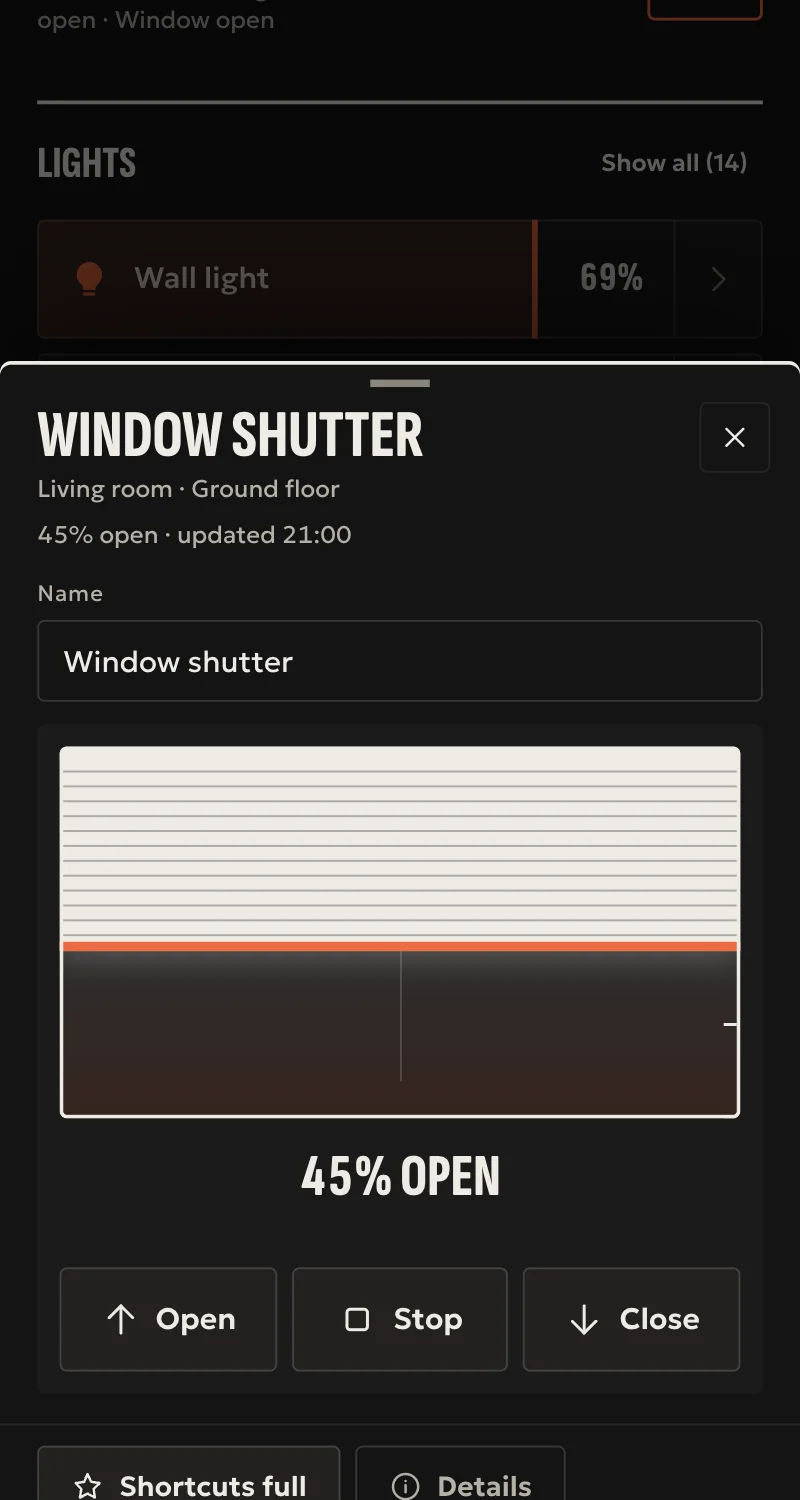
- Lights with brightness, colour and colour temperature, switches, shutters with position, contact, motion and leak sensors, and readings such as temperature, humidity, power.
- Thermostats and radiator valves: mode, target temperature, room temperature. Fans with speeds.
- Every command is confirmed by the state the device sends. One that sends no state is shown as what was sent.
- A device that drops off shows unavailable, as the broker says.
Worth knowing
- Locks and alarms are not loaded, as they need the hub's door rules.
- Only simple value templates (e.g. {{ value_json.state }}); a device with a more complex template stays out.
- The hub's broker takes devices without TLS, and keeps only retained messages, not what was sent to a device that was away.
- Tested against a simulated broker so far, not yet on a real one.
Setup guide
Driver: systems.arvio.mqtt. Local: it talks to the house's MQTT broker, with no internet.
For devices that announce themselves over MQTT (MQTT discovery): Zigbee2MQTT, Tasmota, ESPHome, and ESP32 builds.
What you need
- An MQTT broker in the house (e.g. Mosquitto on a NAS or a Raspberry Pi), on the same network as the hub, its address reserved on the router.
- A user and password, if the broker asks.
- Discovery switched on in the devices:
- Zigbee2MQTT: discovery on (
homeassistant: enabled: truein its settings). - Tasmota: in the device's console,
SetOption19 1. - ESPHome:
mqtt:withdiscovery: true(the default).
How it connects
If the driver is not in «Προσθήκη συσκευής» (Add device), bring it into the installation first: Marketplace → this driver → «Εισαγωγή σε εγκατάσταση» (Import into installation).
In Partner, open the hub and go to «Συσκευές» → «Προσθήκη συσκευής» → «MQTT».
- Type the broker's address. Pick «Με TLS» (with TLS) if the broker asks for it, and type a port only if it is not 1883 (or 8883 with TLS).
- Type the user and password, if the broker asks.
- Press «Σύνδεση».
Once connected, the devices appear in «Συσκευές» by themselves. Press «Ανανέωση» and put them in rooms.
A home without a broker: the hub's broker
- «Προσθήκη συσκευής» → «MQTT: broker στο hub» (MQTT: broker in the hub) → «Άνοιγμα» (Open). The port is 1883 unless you type another.
- For each device: «MQTT: χρήστης συσκευής» (MQTT: device user), with a user (e.g.
zigbee2mqtt) and a password of at least 8 characters. - On the device, type the hub's address as the broker, the port, and the same user and password.
The hub's broker takes only devices from the home's network, and none without a user and password. The hub keeps only a fingerprint of each password. Retained messages stay after the hub restarts.
What works
- Lights with brightness, colour and colour temperature, switches and plugs, shutters with position.
- Thermostats and radiator valves: mode, target temperature, room temperature. Fans with speeds.
- Contact, motion and leak sensors, and readings such as temperature, humidity, power.
- Every command is confirmed by the state the device sends. One that sends no state is shown as what was sent.
- A device removed from the broker leaves the hub too. A device that drops off shows unavailable.
Limits
- Locks and alarms are not loaded, as they need the hub's door rules.
- Only simple value templates. A device with a more complex template stays out.
- With TLS, the hub keeps the broker's certificate from the first connection and talks to no other.
- The hub's broker takes devices without TLS, and does not keep what was sent to a device that was away, only retained messages.
- Tested against a simulated broker so far, not yet on a real one.
If something goes wrong
- «Δεν απαντά» (does not answer): wrong address or port, or the broker wants TLS and it was not picked.
- After the broker's certificate changed, the hub does not connect: rightly, for safety. Add the broker again from Partner.
- «Δεν δέχτηκε τον χρήστη ή τον κωδικό» (refused the user or password): check the broker's users.
- Connected but no device came: discovery is off in the devices, or the prefix is not
homeassistant. Type the right one in «Πρόθεμα ανακάλυψης» (discovery prefix). - One device is missing while the others came: it is a lock or an alarm, or its template cannot be read.