
Switches and covers
KNX
KNX lights, switches, shutters, thermostats and sensors, through the house's KNX IP interface on the local network. No internet or account needed.
What it does
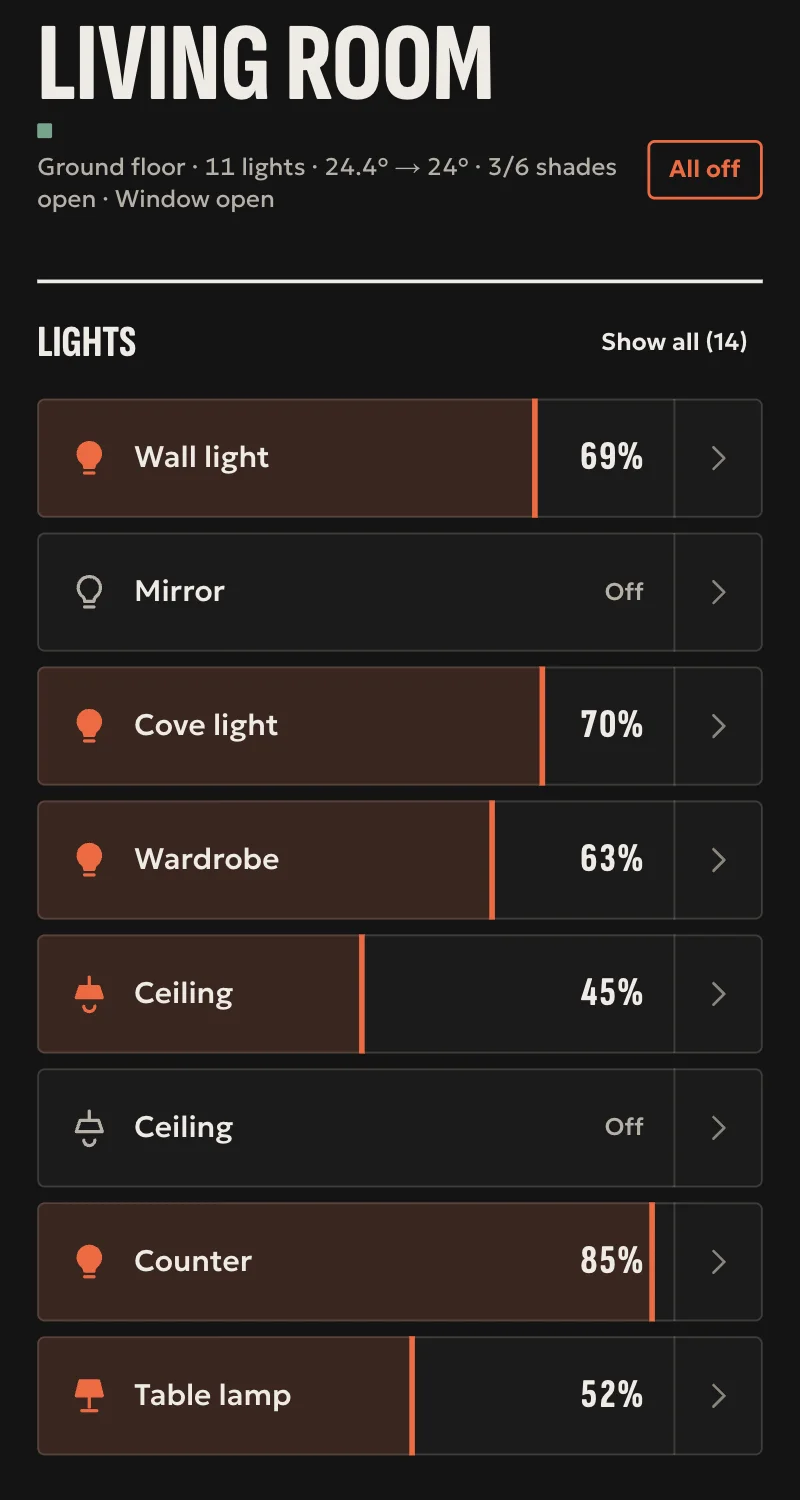
- Lights: on, off, and brightness where the actuator dims.
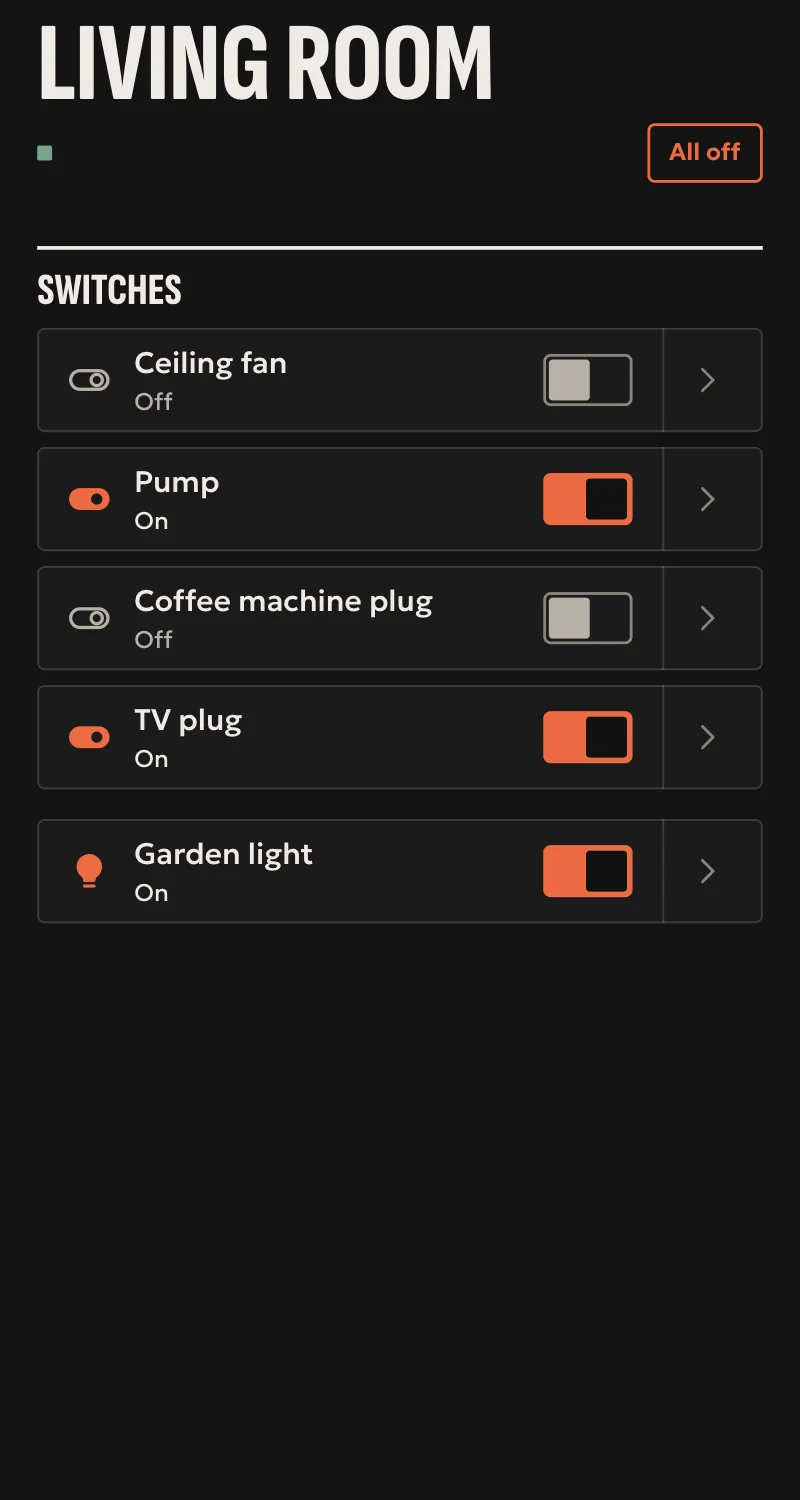
- Switches and sockets: on and off.
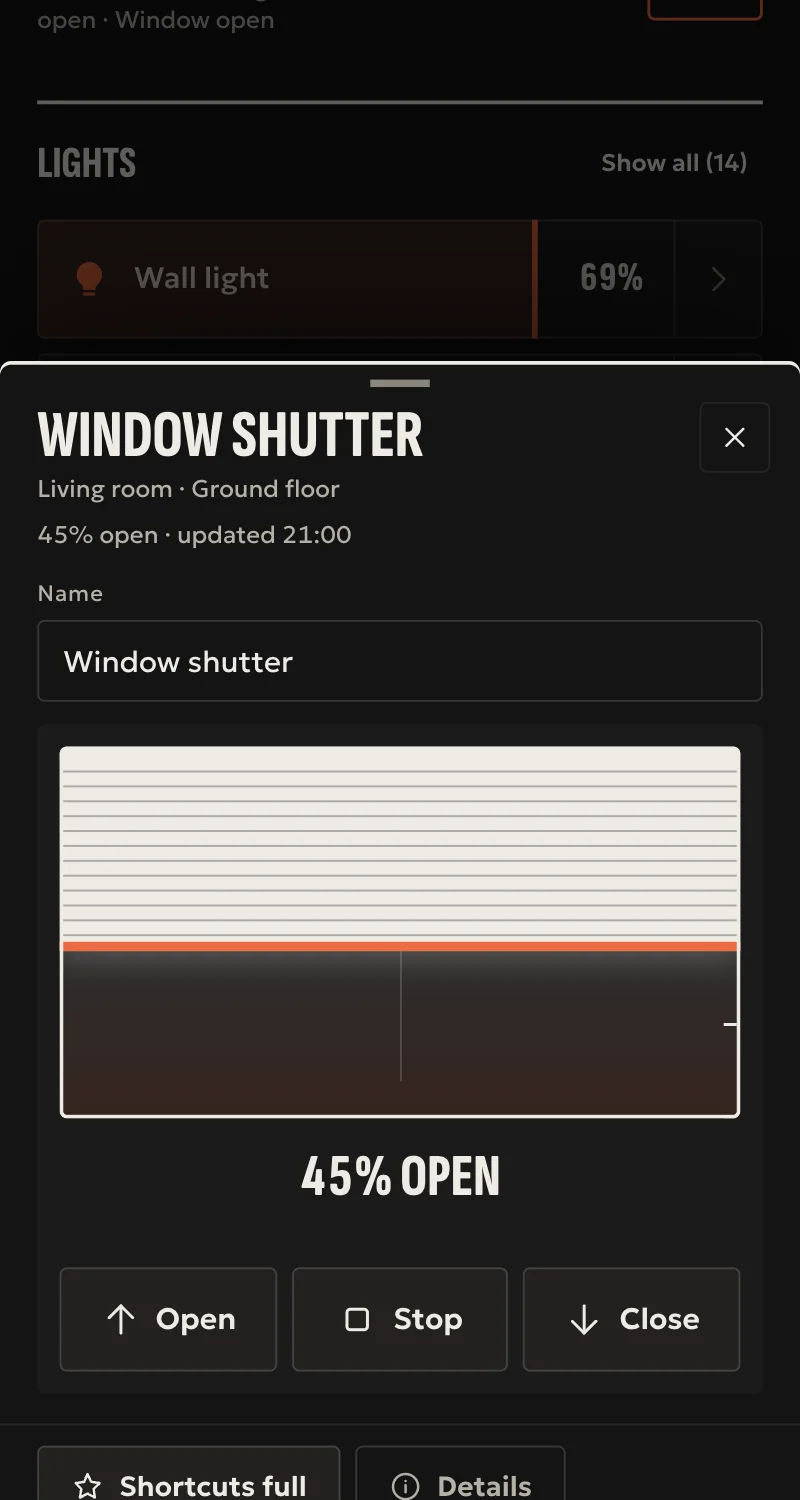
- Shutters and awnings: up, down, stop, and position where the actuator gives it.
- Thermostats: room temperature, setpoint, and on/off where there is one.
- Sensors: temperature, humidity, light, CO₂, power, energy, door and window contacts, motion, presence, leaks, smoke.
- Whatever a wall switch or another system changes shows at once, because the hub listens to the bus.
- With a status address, every command is confirmed by the actuator.
- Added from Partner: the hub finds the interface on the network, and each device goes in with the group addresses from the ETS project.
- Import from ETS: the project (.knxproj) or the group address export in XML becomes a list of devices, which the installer looks over and adds together. ETS 6 Functions become devices as they are.
Worth knowing
- Without a status address, done means the telegram went out on the bus, and the state is what was sent.
- In the ETS import, outside the Functions, which addresses make one device comes from their names and types (DPT): look it over before adding. A CSV file is not read.
- KNX Secure, routing, colour, KNX scenes, HVAC modes and slat tilt are not supported yet.
- Tested against a simulated interface so far, not yet on a real KNX installation.
Setup guide
Driver: systems.arvio.knx. Local: the hub talks to the house's KNX IP interface, with no internet and no account.
For lights, switches, shutters, thermostats and sensors in a KNX installation already programmed with ETS.
What you need
- A KNX IP interface (interface or router) on the hub's network, with its address kept in the router.
- One free tunnelling connection on the interface. The hub holds it for good. If the interface has only one, ETS cannot
connect while the hub uses it: prefer an interface with at least two.
- The ETS project, for each device's group addresses (such as
1/1/1). - For every command to be confirmed: the actuators' status addresses, with the «Read» flag set in ETS.
How it connects
If KNX is not in «Προσθήκη συσκευής» (Add device), bring it into the installation first: Marketplace → KNX → «Εισαγωγή σε εγκατάσταση» (Import into installation).
In Partner, open the hub and go to «Συσκευές» → «Προσθήκη συσκευής».
- «KNX: διεπαφή IP» (KNX: IP interface): pick the interface found, or type its address, and press «Σύνδεση».
- For each device, the form of its kind: light, switch or socket, shutter or awning, thermostat, sensor. Type a name and
the addresses from ETS, as they are written there.
- When Partner says «Προστέθηκε» (Added), press «Ανανέωση» (Refresh) and put the device in a room.
| Form | Addresses | |---|---| | Light | On/off (1.001), and if you like: status, brightness (5.001), brightness status | | Switch or socket | On/off (1.001), and if you like: status | | Shutter or awning | Up/down (1.008), and if you like: stop or step (1.007), position (5.001), position status | | Thermostat | Room temperature and setpoint (9.001), and if you like: setpoint status, on/off (1.001) | | Sensor | One address, and what it measures: temperature, humidity, light, CO₂, power, energy, percent, or a contact, motion, presence, leak, smoke |
To take a device out: «Συσκευές» → the device → «Διαγραφή» (Delete).
Import from ETS, for many devices at once
- In ETS, in the list of projects: choose the project → «Export». That gives a .knxproj file. If the project
has a password, Partner asks for it; the password stays on the computer. Or only the group addresses: «Group Addresses» → right click → «Export Group Addresses» → format XML.
- In Partner, once the interface is in: «Προσθήκη συσκευής» → «KNX: εισαγωγή από ETS» (KNX: import from ETS) → pick
the file. It is read in the browser and not uploaded anywhere.
- Partner shows the devices it found: name, kind, addresses, and «χωρίς κατάσταση» (no status) where it found no
status address. In an ETS 6 project with «Functions» (say a «Dimmable light» in the living room), each Function is one device, with the addresses ETS gave it and the room's name. For the other addresses, and in an XML export, which make one device it works out from their names and types (DPT). Look the list over: untick what you do not want, fix names, and press «Είναι φως» (It is a light) or «Είναι διακόπτης» (It is a switch) where needed.
- Press «Προσθήκη» (Add). The devices go in one by one, through the same forms. One already on the hub says «Ήδη στο
hub» (Already on the hub).
- Whatever is missing goes in with the form for its kind.
What works
- Lights with on, off and brightness, switches and sockets, shutters and awnings with up, down, stop and position,
thermostats with a setpoint and on/off.
- Sensors in Home and in automations. Energy counts in Home's Energy, if you choose it there.
- Whatever a wall switch, a sensor or another system changes shows at once, because the hub listens to the bus.
- After every connection the hub asks every status address, so it knows what is on.
- With a status address, every command is confirmed by the actuator itself.
- If the interface is lost, the devices say «Χωρίς σύνδεση» (Offline), and the hub connects again by itself.
Limits
- Without a status address, done means the telegram went out on the bus, not that the actuator did it. The state is
whatever was sent last.
- The ETS import does not read a CSV file. Addresses with no type (DPT) and in no Function are left out. Names in a language other than Greek, English or German group less
well.
- Two switches or shutters with the same name come in without a status or stop address, because it cannot be told
which goes with which.
- KNX Secure, routing, colour, KNX scenes, HVAC modes and slat tilt are not supported yet.
- A door or gate on a KNX relay comes in as a switch. Mark it «Αυτό είναι πόρτα» (This is a door) in «Συσκευές».
- Tested against a simulated interface so far, not yet on a real KNX installation.
Troubleshooting
- The interface is not found: type its address. Some networks drop the multicast the search uses.
- «Δεν έχει ελεύθερη σύνδεση» (no free connection): close ETS or another app that is connected, or set up one more
tunnelling connection on the interface in ETS.
- «Θέλει KNX Secure» (needs KNX Secure): open a tunnelling connection without Secure in ETS.
- A device stays «Άγνωστο» (unknown): its status address does not answer a read. Set the «Read» flag in ETS, or wait
for the first change from the wall.
- Home says «Δεν έγινε» (not done), but the device changed: the status address is wrong, or the actuator sends no
status. Check it in ETS.
- «Δεν έγινε», and the device did not change: nothing on the bus took the telegram. Check the command address.
- The import finds no device: the addresses have no type (DPT) in ETS. Give them one and export again.