
Climate
Arvio IR
Air conditioners, TVs and anything else with an infrared remote, through our own IR on the hub's USB. No internet, account or Wi-Fi.
What it does
- The hub finds the Arvio IR on USB by itself.
- Learning from the customer's remote in Partner, one button at a time, long air-conditioner codes too.
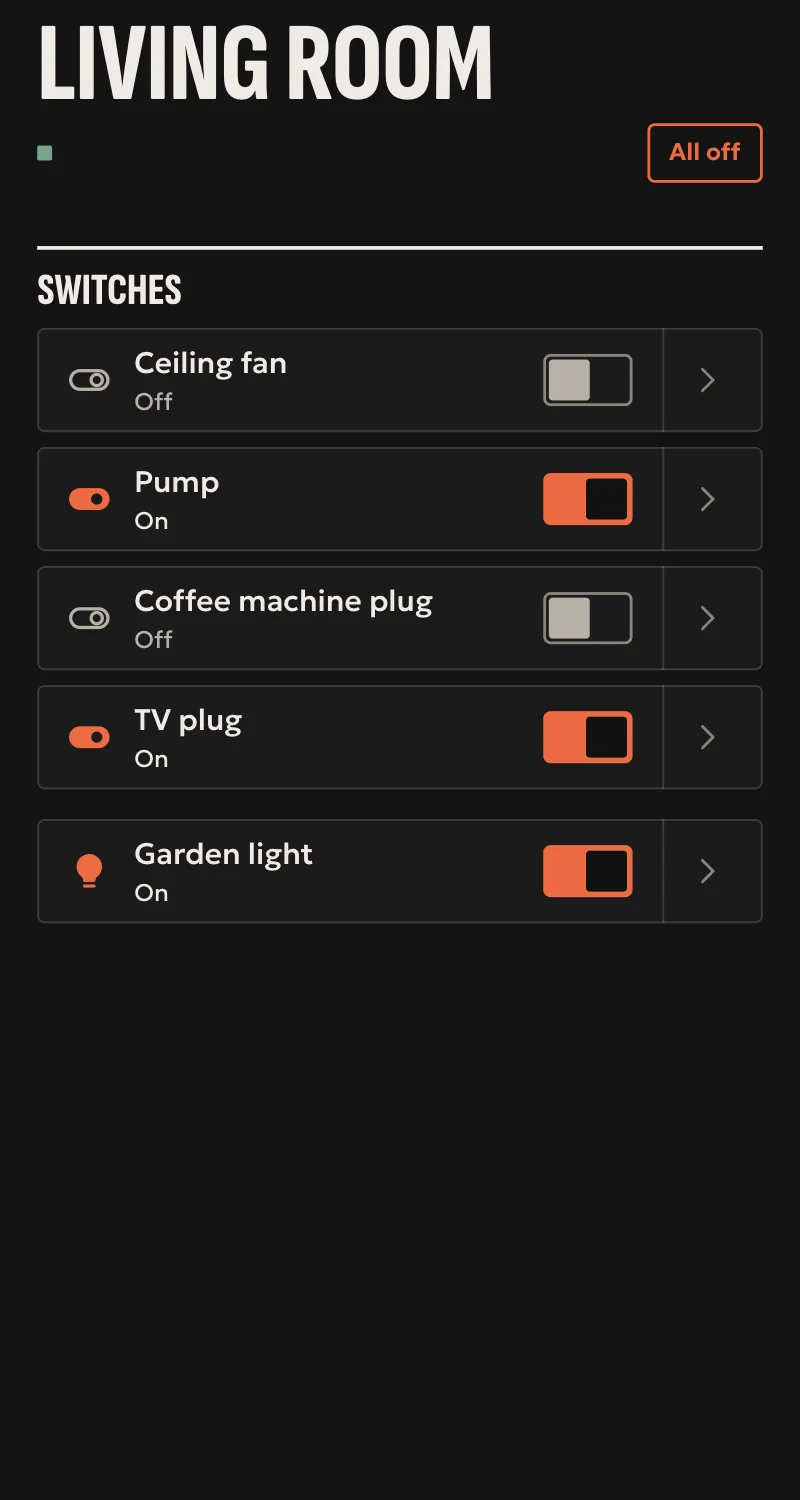
- «On» and «Off» become the appliance's switch, every other button a scene.
- TV buttons (arrows, OK, back, home, volume) give Home's remote.
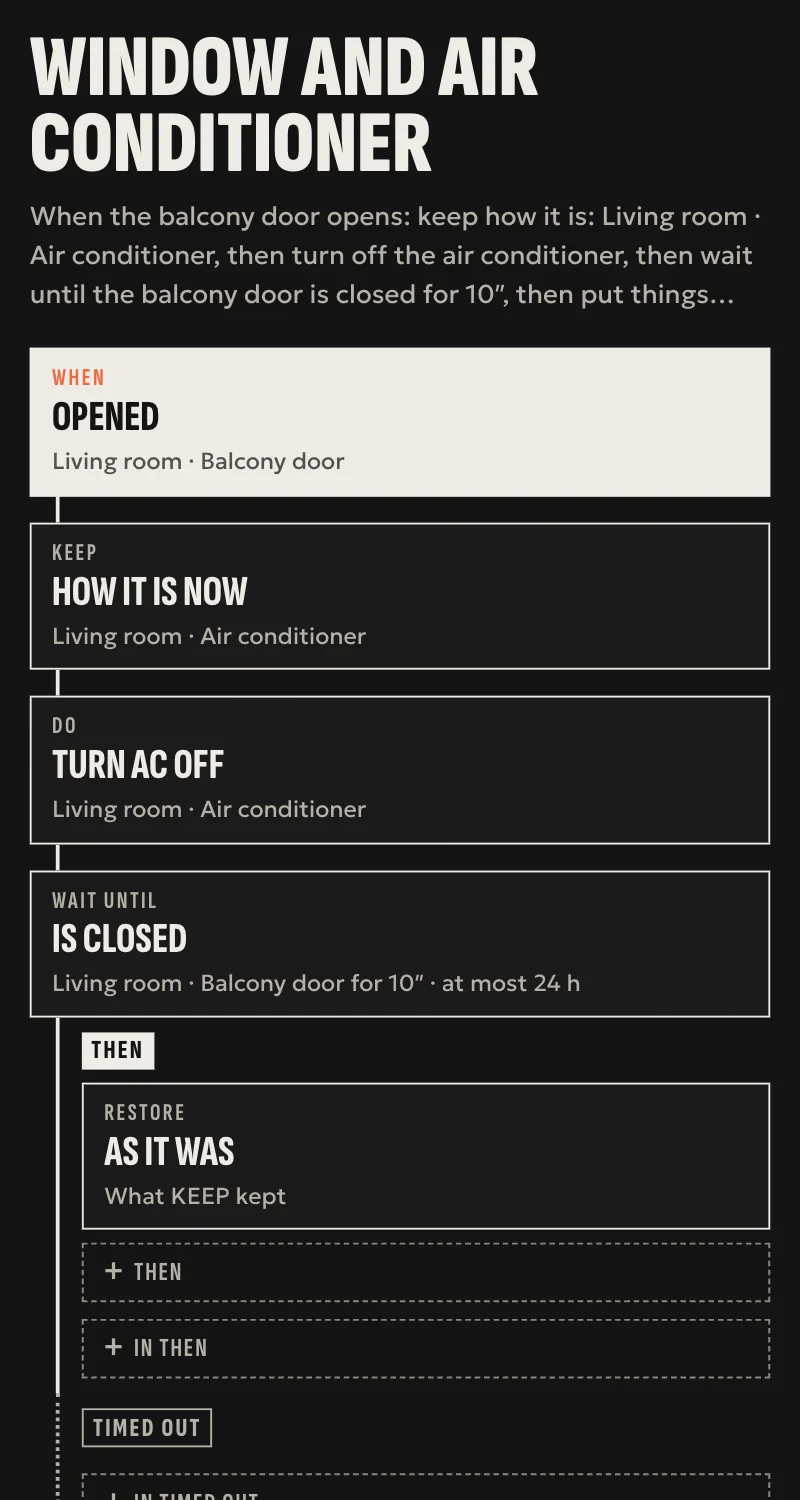
- Air conditioner: the installer learns settings, a mode and a temperature (such as «cool 24°»), and Home shows it with the climate card, with those modes and that temperature range. A temperature in between sends the nearest one learned.
- The Arvio IR's button as an event for automations, and a light that is on while the hub talks to it.
Worth knowing
- Infrared goes one way: the app says «sent», not «done», and never for a door or an alarm.
- An air conditioner has only the settings learned: no fan speed or swing. Changing the temperature while it is off turns it on, since each code is a whole setting.
- No pasting of ready codes yet.
- Tested against a simulation so far. The firmware builds, but has not run on a board yet.
Setup guide
Driver: systems.arvio.ir. Local: runs without internet, account or Wi-Fi.
Our own IR: the ESP32-C3 of the Arvio Radio board, or an ESP32-C3 test board with infrared LEDs and a 38 kHz receiver, running SFK's firmware, on the hub's USB. For air conditioners, TVs and anything else with an infrared remote.
What you need
- The Arvio IR on the hub's USB, where it "sees" the room's appliances. Infrared does not go through walls.
- Each appliance's remote, so the hub can learn its buttons.
How it connects
If the driver is not in «Προσθήκη συσκευής» (Add device), bring it into the installation first: Marketplace → this driver → «Εισαγωγή σε εγκατάσταση» (Import into installation).
The hub finds the Arvio IR by itself, and its light turns white. Then, for each button: «Προσθήκη συσκευής» → «Arvio IR: μάθε κουμπί» (Arvio IR: learn a button).
- Type the appliance, e.g. «Κλιματιστικό σαλονιού» (living room air conditioner). With the same name, the buttons go to the same appliance.
- Pick a button: «Άναμμα» (on), «Σβήσιμο» (off), «Άλλο κουμπί» (another button) with a name, «Τηλεόραση: …» (TV: …), or «Κλιματιστικό: ρύθμιση» (air conditioner: setting) with a mode and a temperature. For an air conditioner's setting, first put the remote on the mode and one degree below, and after «Μάθε» (learn) press + once.
- Press «Μάθε» (Learn), point the remote at the Arvio IR from close by and press the button within 30 seconds.
For an air conditioner, learn the settings the customer will use one by one, e.g. cool 22° to 26° and heat 20° to 24°, and «Σβήσιμο» (off). An air conditioner's code carries the whole setting, so each setting is one code.
What works
- «Άναμμα» and «Σβήσιμο» become the appliance's switch, every other button a scene.
- TV buttons (arrows, OK, back, home, volume) make the appliance a TV with Home's remote.
- Air conditioner: Home shows it with the climate card, with the modes learned and their temperature range, and automations set it. A temperature in between sends the nearest one learned.
- Long air-conditioner codes, up to 1024 pulses.
- The Arvio IR's button as an event for automations: a press, and a 3-second hold.
- Unplugged, its appliances show unavailable, and come back as soon as it is plugged in again.
- «Διαγραφή» (Delete) of an appliance or a button removes it from the hub.
Limits
- Infrared goes one way: the app says «sent», not «done». Never for a door or an alarm.
- A switch's state is what was sent. If someone turns the appliance off with its own remote, the hub does not know.
- An air conditioner has only the settings learned: no fan speed or swing. Changing the temperature while it is off turns it on, since each code is a whole setting.
- No pasting of ready codes yet.
- Tested against a simulation so far. The firmware builds, but has not run on a board yet.
If something goes wrong
- «Το hub δεν βρίσκει το Arvio IR» (the hub does not find the Arvio IR): plug it in and wait 10 seconds. If the hub has other USB devices, SFK writes which one it is in the driver's settings.
- «Δεν ήρθε κωδικός» (no code came): move closer, point the remote straight at the Arvio IR, and hold the button a little.
- It learns but the appliance does not react: the appliance does not see the Arvio IR. Move it, or learn the button again.