
Lighting

Philips Hue
Philips Hue lights, rooms, scenes and sensors through the Hue Bridge on the local network. Pairing takes one press of the bridge's link button.
What it does
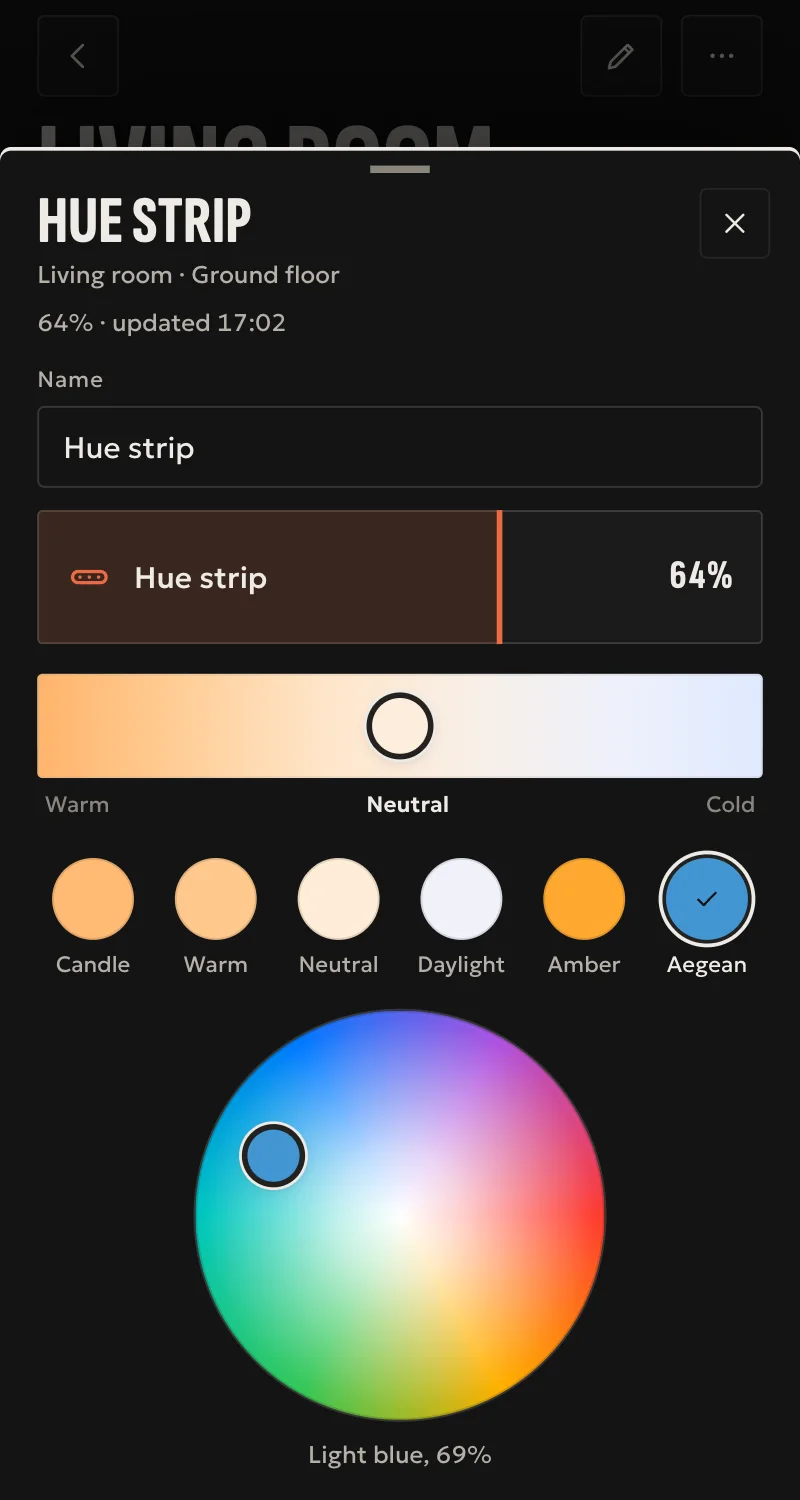
- Lights: on, off, toggle, brightness, colour temperature and colour, as each light allows.
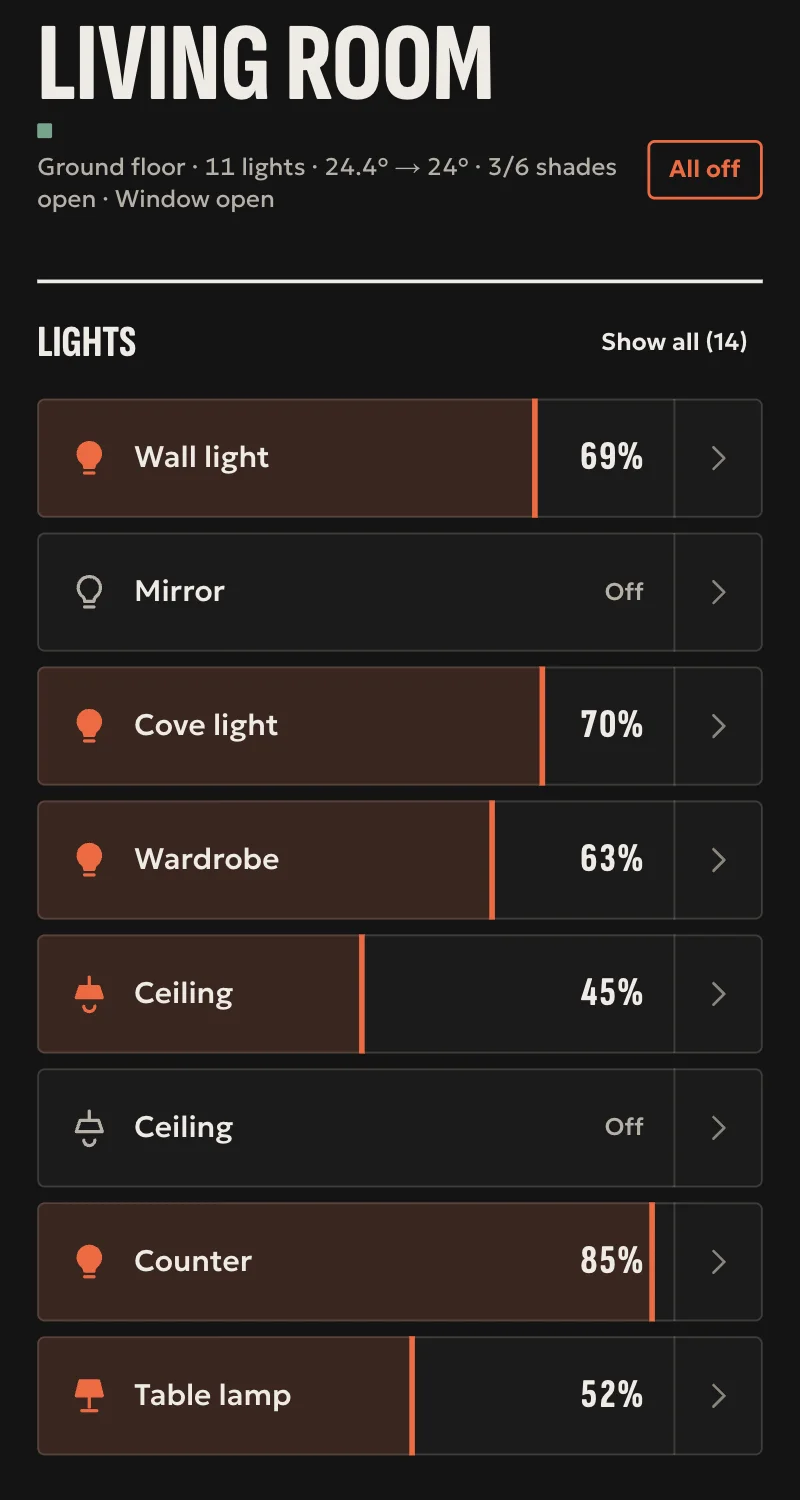
- Rooms and zones as one light each, with on, off and brightness.
- Hue scenes: activate.
- Motion and temperature sensors, and battery levels.
- Dimmer switch buttons as events for automations.
- Changes arrive live from the bridge. Every command is confirmed by the bridge.
Worth knowing
- Needs a Hue Bridge with the local v2 API. Bulbs without a bridge are not covered.
- Hue light-level sensors are not shown.
- The bridge's own automations keep running on the bridge, and Arvio does not show them.
- A bridge replaced at the same address needs SFK: the driver remembers the bridge's certificate and refuses another.
Setup guide
Driver: systems.arvio.hue. Local: no internet needed. Needs a Hue Bridge and one press of its link button.
What you need
- A Hue Bridge on the same network as the hub, with the lights already paired to it in the Hue app.
- The bridge's address. Reserve it in the router.
- Someone at the bridge to press its link button.
How to connect
If the driver is not in «Προσθήκη συσκευής» (Add device), bring it into the installation first: Marketplace → this driver → «Εισαγωγή σε εγκατάσταση» (Import into installation). Whatever «Εύρεση στο δίκτυο» (Find on the network) finds comes in by itself.
In Partner, open the hub and go to «Συσκευές» (Devices) → «Προσθήκη συσκευής» (Add device) → «Philips Hue».
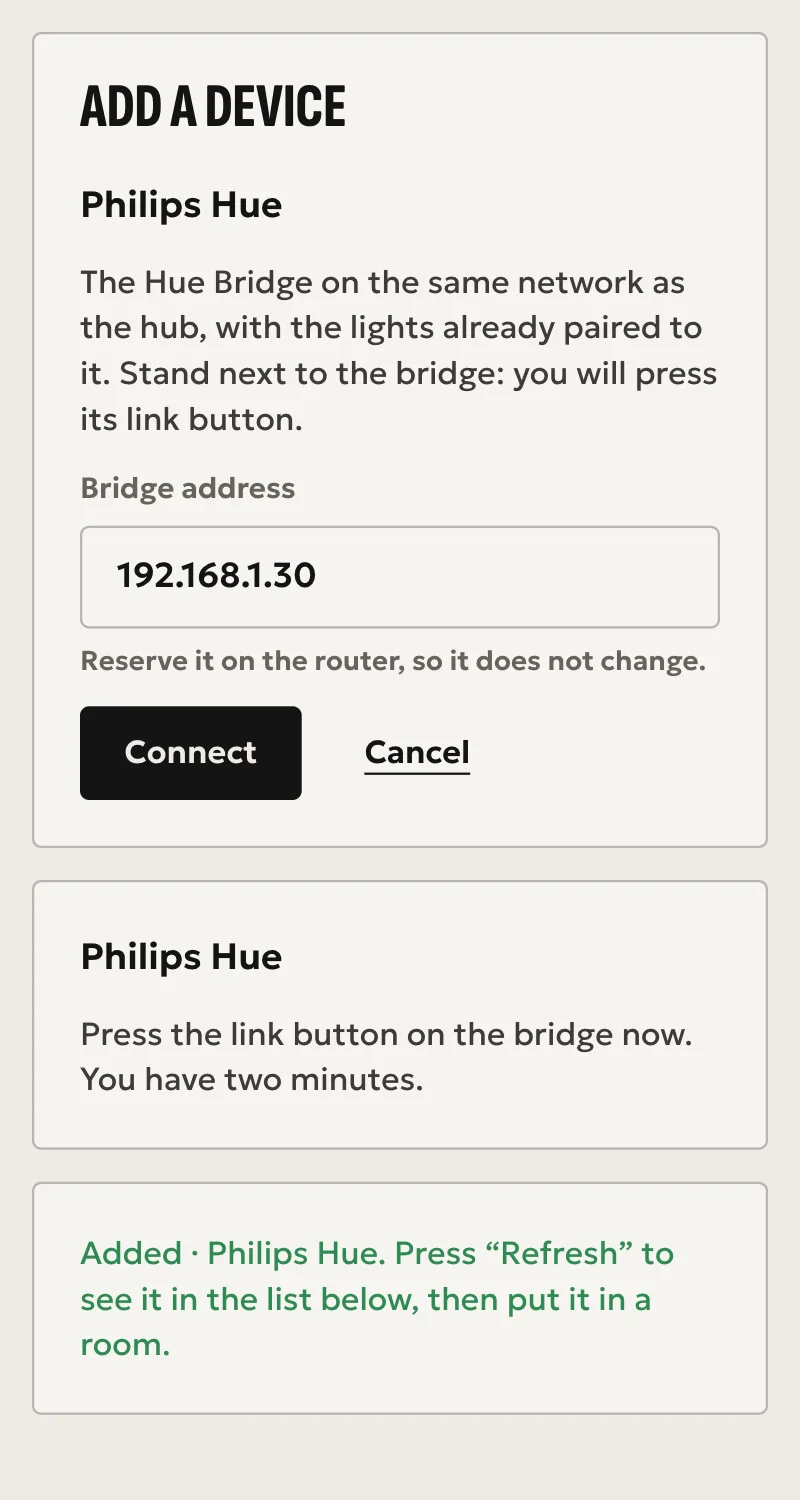
- Pick the bridge from those the hub finds on the network, or type its address.
- Press «Σύνδεση» (Connect) and stand by the bridge.
- When Partner tells you to press the link button, press it. You have two minutes.
The hub keeps its own key for the bridge from then on. When Partner says «Προστέθηκε» (Added), press «Ανανέωση» (Refresh). Lights, rooms, zones, scenes and sensors appear in the «Συσκευές» list. Put them in rooms from «Δωμάτια» (Rooms): the Hue room names do not place them for you.
What works
- Lights: on, off, toggle, brightness, colour temperature and colour, as each light allows.
- Rooms and zones as one light each, with on, off and brightness.
- Hue scenes: activate.
- Motion and temperature sensors, and battery levels.
- Dimmer switch buttons as events for automations.
- Changes arrive live from the bridge, and every command is confirmed by the bridge.
Limits
- Needs a Hue Bridge with the local v2 API. Bulbs without a bridge are not covered.
- Hue light-level sensors are not shown.
- The bridge's own automations keep running on the bridge, and Arvio does not show them.
- The driver remembers the bridge's certificate and refuses another one.
Troubleshooting
- Two minutes passed without the link button → Partner says so, and nothing stays on the hub. Press «Σύνδεση» (Connect) again, then the link button within two minutes.
- Partner says no Hue bridge answers at that address → check the address, and that the bridge is on and on the same network.
- All Hue lights show as unavailable → the bridge is off or unreachable. The driver reconnects by itself when it is back.
- One light shows as unavailable → the bridge reports it unreachable. Check its power, for example the wall switch.
- A dimmer button does nothing → buttons only send events. They need an automation that uses them.
- The bridge was replaced → the hub remembers the old bridge's certificate. At a new address, connect it like the first time. At the same address Partner says «Προστέθηκε» (Added) but the lights stay unavailable: SFK sorts that out.
- Partner says the hub runs an older version of Arvio Core → the hub needs updating. Ask SFK for it, then try again.