
Security

Hikvision intercoms, access and AX Pro
Hikvision door stations, access terminals and AX Pro alarms, directly over ISAPI on the local network, without Hik-Connect.
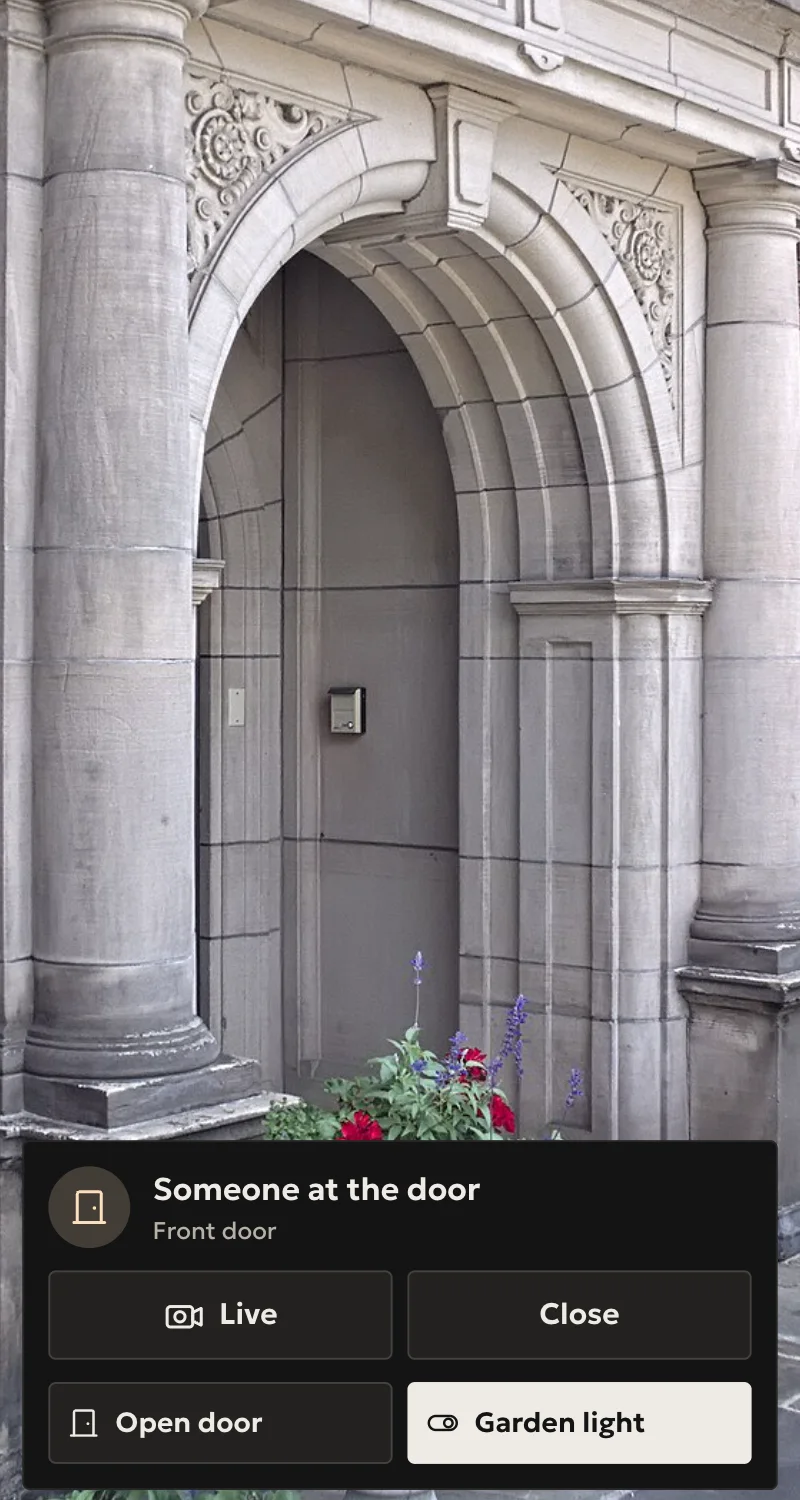
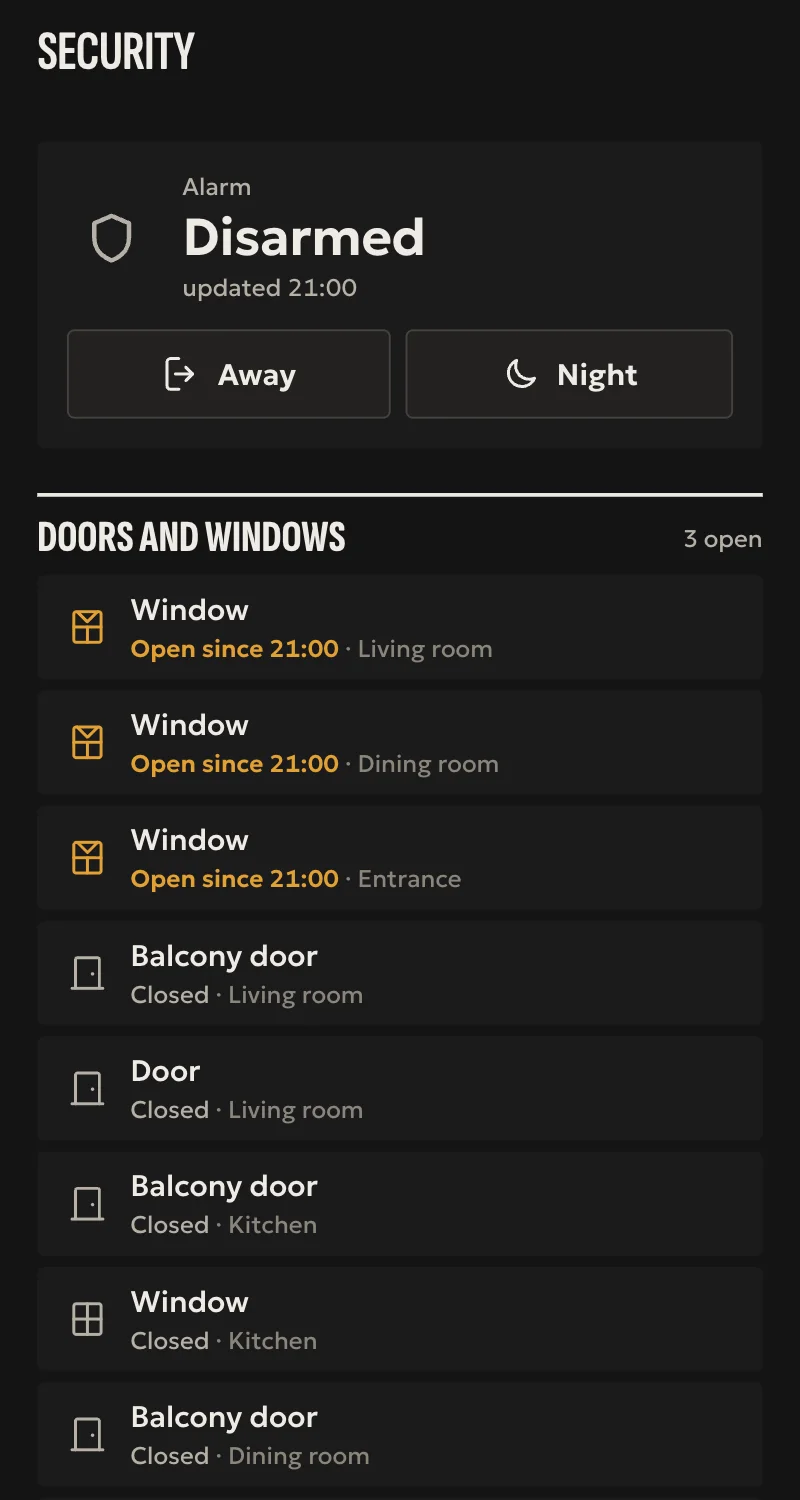
What it does
- The hub finds what the device has by itself: doors, doorbell, alarm areas and zones.
- Every door as a door of the house, under the door rules, and its contact where it is wired. An opening counts once the relay reads open.
- The door station's doorbell on the phone, like every Arvio doorbell.
- AX Pro: arm, arm home and disarm per area, each confirmed by the panel, alarm, and the door and window zones.
Worth knowing
- The door station's picture comes from the ONVIF driver, not this one.
- The doorbell and the AX Pro alarm rest on calls Hikvision does not publish. Some firmware may lack them, and newer AX Pro firmware may ask for a login the hub does not know yet.
- Tested against a simulation so far, not yet on a Hikvision device.
Setup guide
Driver: systems.arvio.hikvision. Local: it talks to the device directly over ISAPI, with no Hik-Connect and no internet.
For door stations (DS-KV, DS-KD), access terminals (DS-K1T) and AX Pro alarms.
What you need
- The device on the same network as the hub, with its address reserved on the router.
- A user and password of the device itself, with the administrator role. Not the Hik-Connect account.
- ISAPI enabled on the device. On most it is, under «Network → Advanced → Integration Protocol».
How it connects
If the driver is not in «Προσθήκη συσκευής» (Add device), bring it into the installation first: Marketplace → this driver → «Εισαγωγή σε εγκατάσταση» (Import into installation).
In Partner: «Προσθήκη συσκευής» → «Hikvision: θυροτηλέφωνο, πρόσβαση, AX Pro» (Hikvision: intercom, access, AX Pro). Type the address, user and password, and press «Σύνδεση» (Connect). The hub finds what the device has by itself, and Partner says how many doors, whether it has a doorbell, and how many alarm areas and zones.
For the door station's picture, add it through the ONVIF driver too.
What works
- Every door as a door of the house: it opens with one press, and the hub's door rules apply. On an access terminal, an opening counts once the relay reads open.
- The door's contact as a sensor, where it is wired.
- The door station's doorbell on the phone, like every Arvio doorbell.
- AX Pro: arm, arm home and disarm per area, each confirmed by the panel. The alarm shows when it goes off. Door and window zones as sensors.
- A device that drops off shows unavailable, and its doors stay doors, so no «all» automation reaches them.
- «Διαγραφή» (Delete) of one entity takes the whole device.
Limits
- The doorbell is read every 2 seconds, from a call Hikvision does not publish. Some firmware lacks it.
- The AX Pro's calls are not in Hikvision's guides. Newer AX Pro firmware may ask for a login the hub does not know yet; Partner then says so.
- No keypads, user codes or cards: those stay on the device.
- Tested against a simulation so far, not yet on a Hikvision device.
If something goes wrong
- «Λάθος χρήστης ή κωδικός» (wrong user or password): check them before trying again. After a few wrong tries Hikvision locks the account for a while.
- «Δεν έχει πόρτα, κουδούνι ή συναγερμό» (no door, doorbell or alarm): the device is a camera or an NVR. Those go in through the ONVIF driver.
- The door opens but Home says «not done»: the terminal did not show its relay open. Tell SFK the model and firmware.