
Climate

Gree air conditioners
Gree Wi-Fi air conditioners on the local network. The hub finds them by itself, with no password and no cloud.
What it does
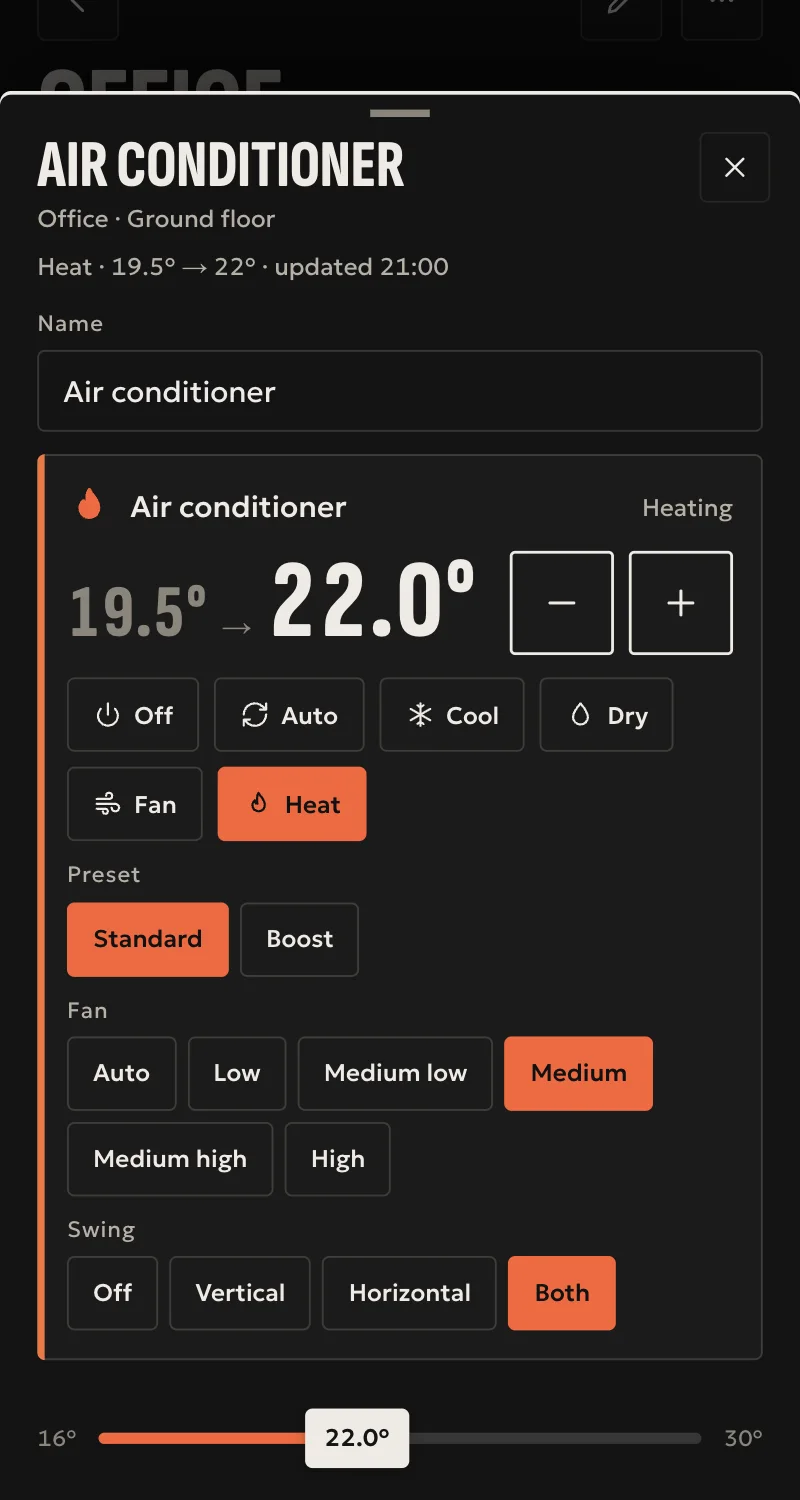
- Power, mode (auto, cool, dry, fan, heat) and temperature.
- Fan speed, swing and turbo.
- Sleep, as a mode next to turbo, and the display light as a switch of its own, where the unit reports them.
- Room temperature, where the unit reports it.
- The state refreshes every 15 seconds. The unit confirms every command.
Worth knowing
- Only units with their own Wi-Fi, not multi-splits behind a central gateway.
- Commands are not yet tested on a real unit, only connecting and reading.
Setup guide
Driver: systems.arvio.gree. Local: it needs no internet and no Gree account. The unit's key stays on the hub.
For Gree units with their own Wi-Fi. Not for multi-splits behind a central gateway.
What you need
- The air conditioner on the home's Wi-Fi, set up from its app, on the same network as the hub.
- Its address reserved on the router.
How it connects
If the driver is not in «Προσθήκη συσκευής» (Add device), bring it into the installation first: Marketplace → this driver → «Εισαγωγή σε εγκατάσταση» (Import into installation). Whatever «Εύρεση στο δίκτυο» (Find on the network) finds comes in by itself.
In Partner, open the hub and go to «Συσκευές» → «Προσθήκη συσκευής».
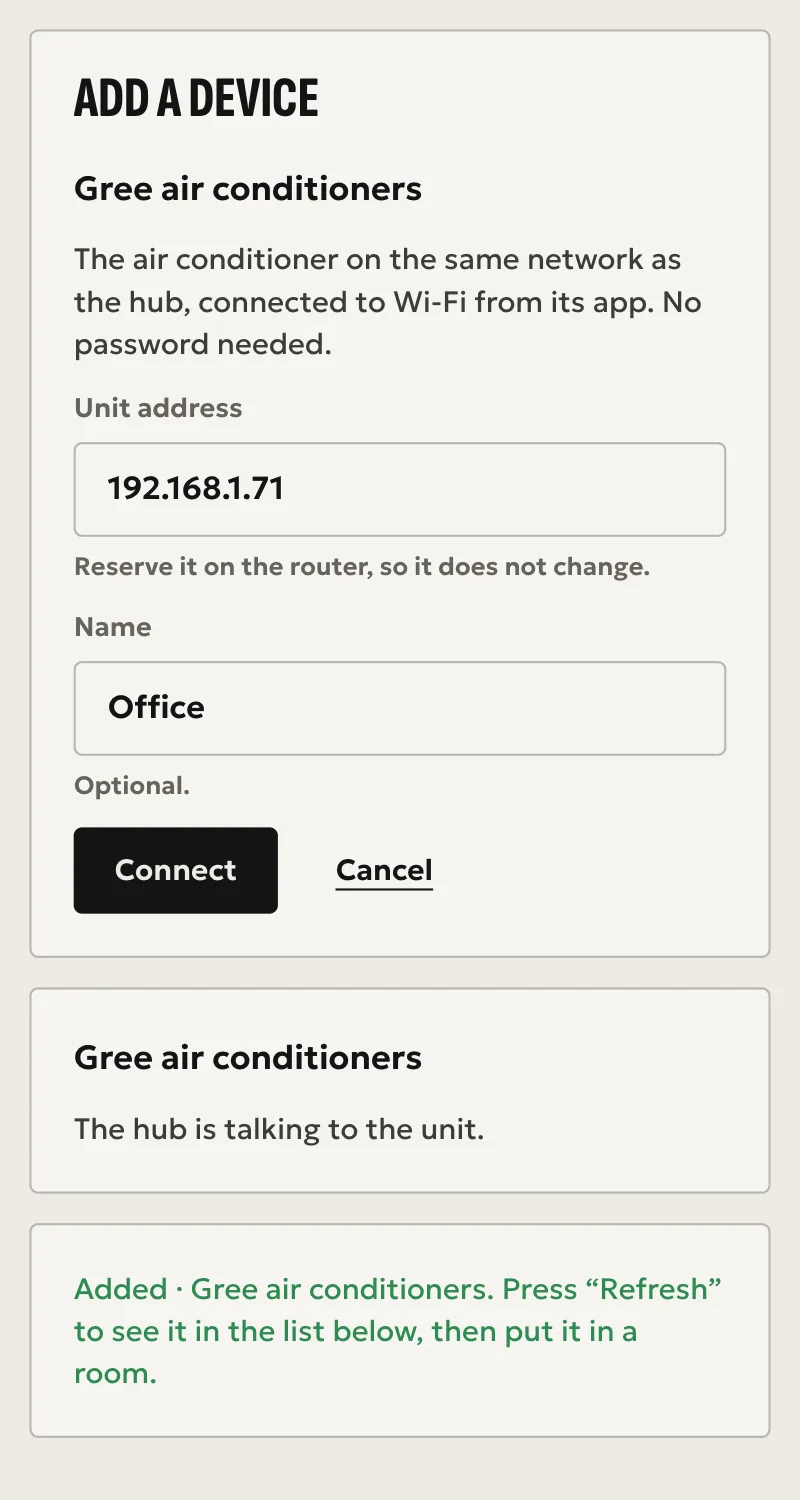
- Press «Εύρεση στο δίκτυο», or «Κλιματιστικά Gree», and pick the unit it found.
- Give it a name, so it can be told apart.
- Press «Σύνδεση». No password is needed.
When Partner says «Προστέθηκε», press «Ανανέωση» and put it in a room.
What works
- Power, mode (auto, cool, dry, fan, heat) and temperature.
- Fan speed, swing and turbo.
- Sleep, as a mode next to turbo, and the display light as a switch of its own, where the unit reports them.
- Room temperature, where the unit reports it.
- The state refreshes every 15 seconds, and the unit confirms every command.
Limits
- Commands are not yet tested on a real unit, only connecting and reading.
If something goes wrong
- Not found by the search: check it is on the same network as the hub. If it changed network, connect it again from its app.
- «Δεν δέχτηκε σύνδεση»: switch the air conditioner off at the mains, switch it back on and try again.
- Shows «Χωρίς σύνδεση» later: if its address changed, the hub finds it again shortly. Reserve it on the router so it does not happen again.