
Lighting

DoHome lights and plugs
DoHome bulbs, LED strips, plugs and relays on the local network. The hub finds them by itself, with no password and no cloud.
What it does
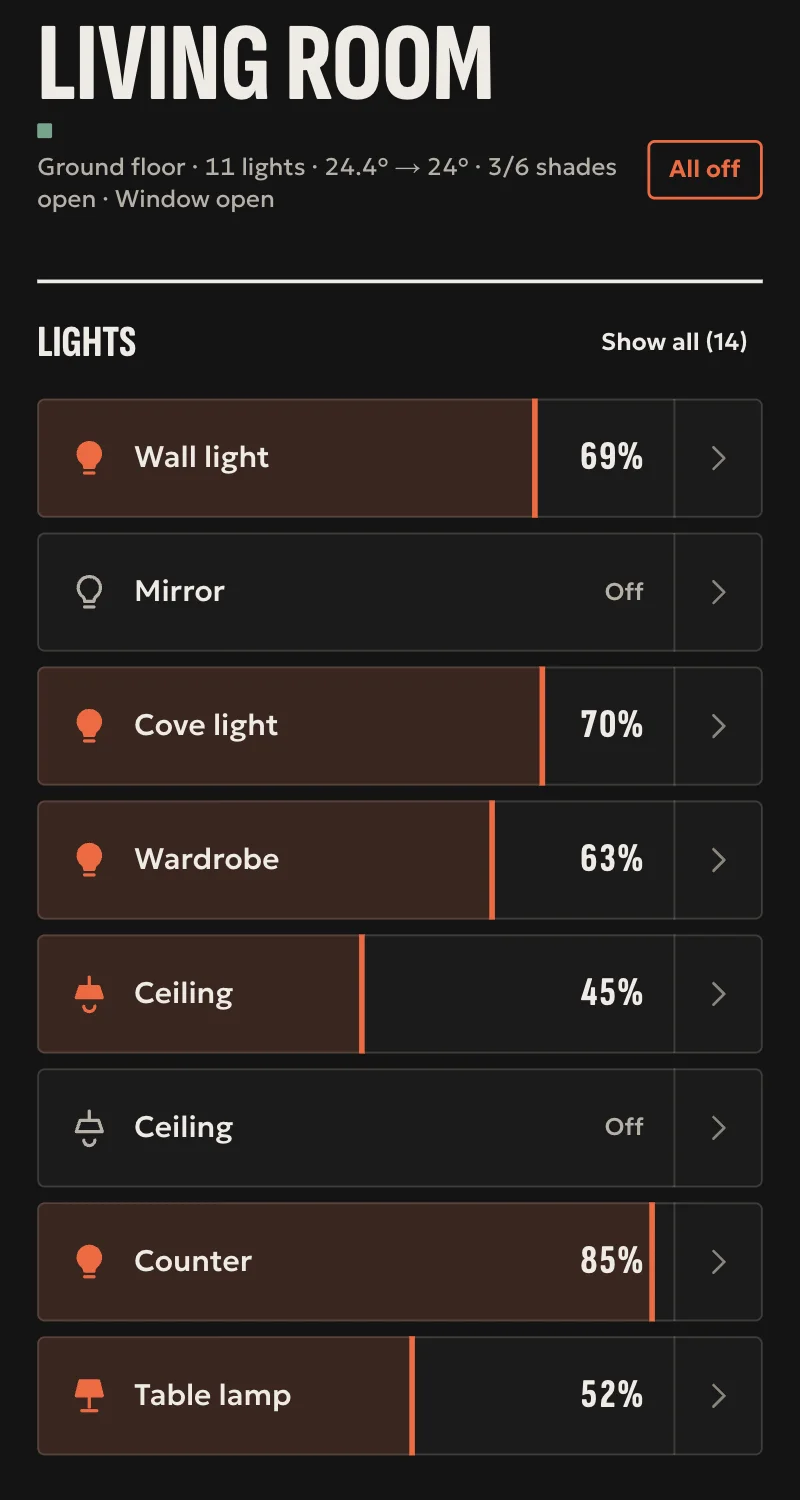
- Colour and white bulbs, white-only bulbs and LED strips: on, off, brightness, colour, warm or cool white.
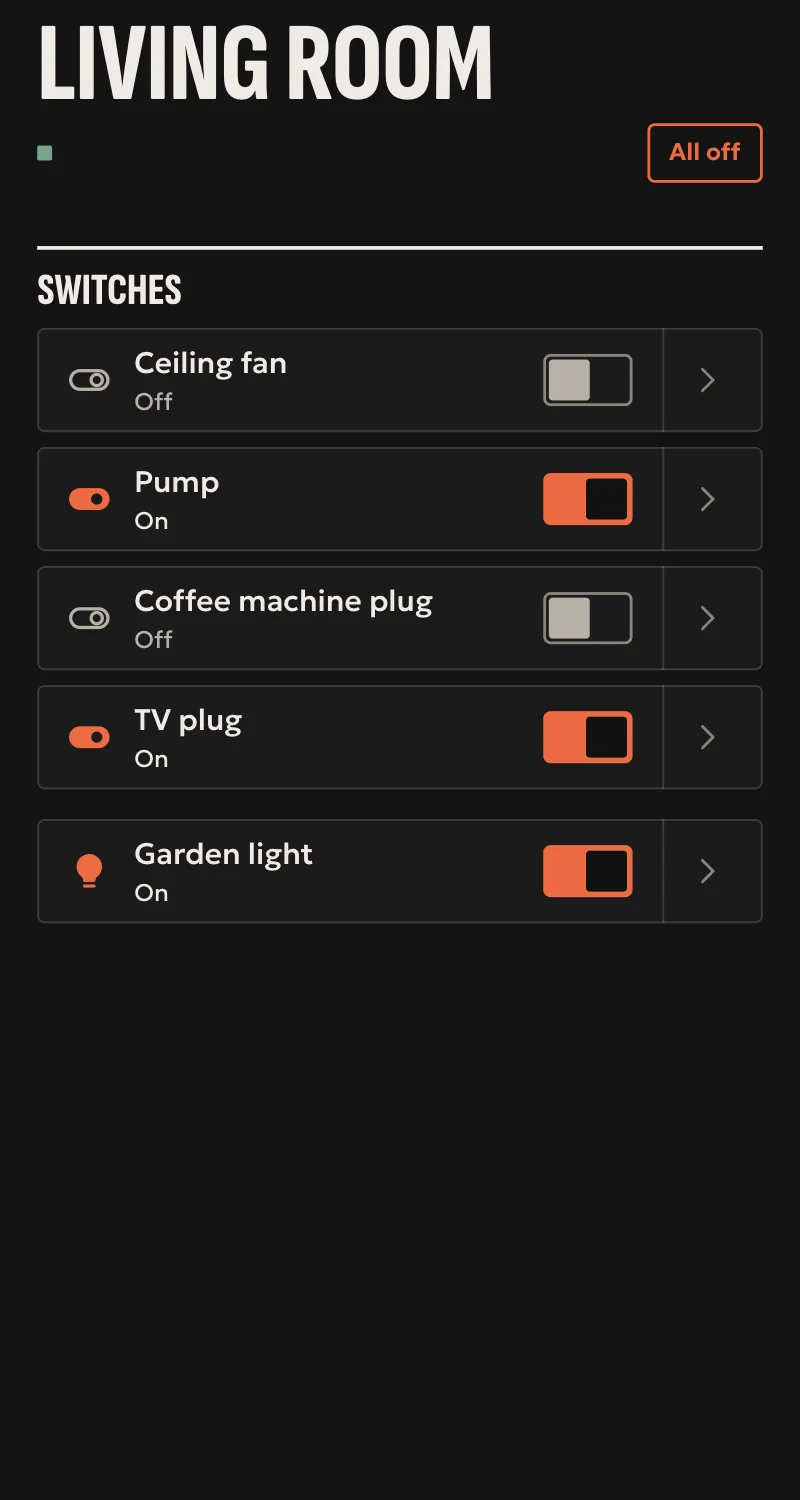
- Plugs and two- or four-channel relays: on, off, toggle.
- The box with temperature, humidity, light, motion and a relay, and the motion sensor.
- Every command is confirmed by reading the device back.
- If a device changes address, the hub finds it again by itself.
Worth knowing
- The DoHome app's effects and timers are not shown.
- The first Wi-Fi setup is done from the DoHome app.
- Tested on a real DoHome plug. Bulbs, strips, relays and sensors only against simulated devices.
Setup guide
Driver: systems.arvio.dohome. Local: it needs no internet and no DoHome account.
For DoHome (Doiting) bulbs, LED strips, plugs and relays with their own Wi-Fi.
What you need
- The device on the home's Wi-Fi, set up from the DoHome app, on the same network as the hub.
- Its address reserved on the router.
How it connects
If the driver is not in «Προσθήκη συσκευής» (Add device), bring it into the installation first: Marketplace → this driver → «Εισαγωγή σε εγκατάσταση» (Import into installation). Whatever «Εύρεση στο δίκτυο» (Find on the network) finds comes in by itself.
In Partner, open the hub and go to «Συσκευές» → «Προσθήκη συσκευής».
- Press «Εύρεση στο δίκτυο», or «DoHome», and pick the device it found.
- Give it a name, so it can be told apart.
- Press «Σύνδεση». No password is needed.
When Partner says «Προστέθηκε», press «Ανανέωση» and put it in a room.
What works
- Colour and white bulbs, white-only bulbs and LED strips: on, off, brightness, colour, warm or cool white.
- Plugs and two- or four-channel relays: on, off, toggle. Each channel is a switch of its own.
- The box with temperature, humidity, light, motion and a relay, and the motion sensor.
- The state refreshes every 5 seconds, and every second where there is motion. The device confirms every command.
Limits
- The DoHome app's effects and timers are not shown.
- Tested on a real DoHome plug. Bulbs, strips, relays and sensors only against simulated devices.
If something goes wrong
- Not found by the search: check it is on the same network as the hub. If it changed network, connect it again from the DoHome app.
- «Δεν υποστηρίζεται ακόμα»: the driver does not know this kind of DoHome device yet. Tell SFK which model it is.
- Answered the search but not the reading: switch it off at the mains, switch it back on and try again.
- Shows «Χωρίς σύνδεση» later: if its address changed, the hub finds it again shortly. Reserve it on the router so it does not happen again.