
Cameras

Dahua intercoms
Dahua door stations on the local network: the ring on your phone, a live picture, and opening the door wired to them.
What it does
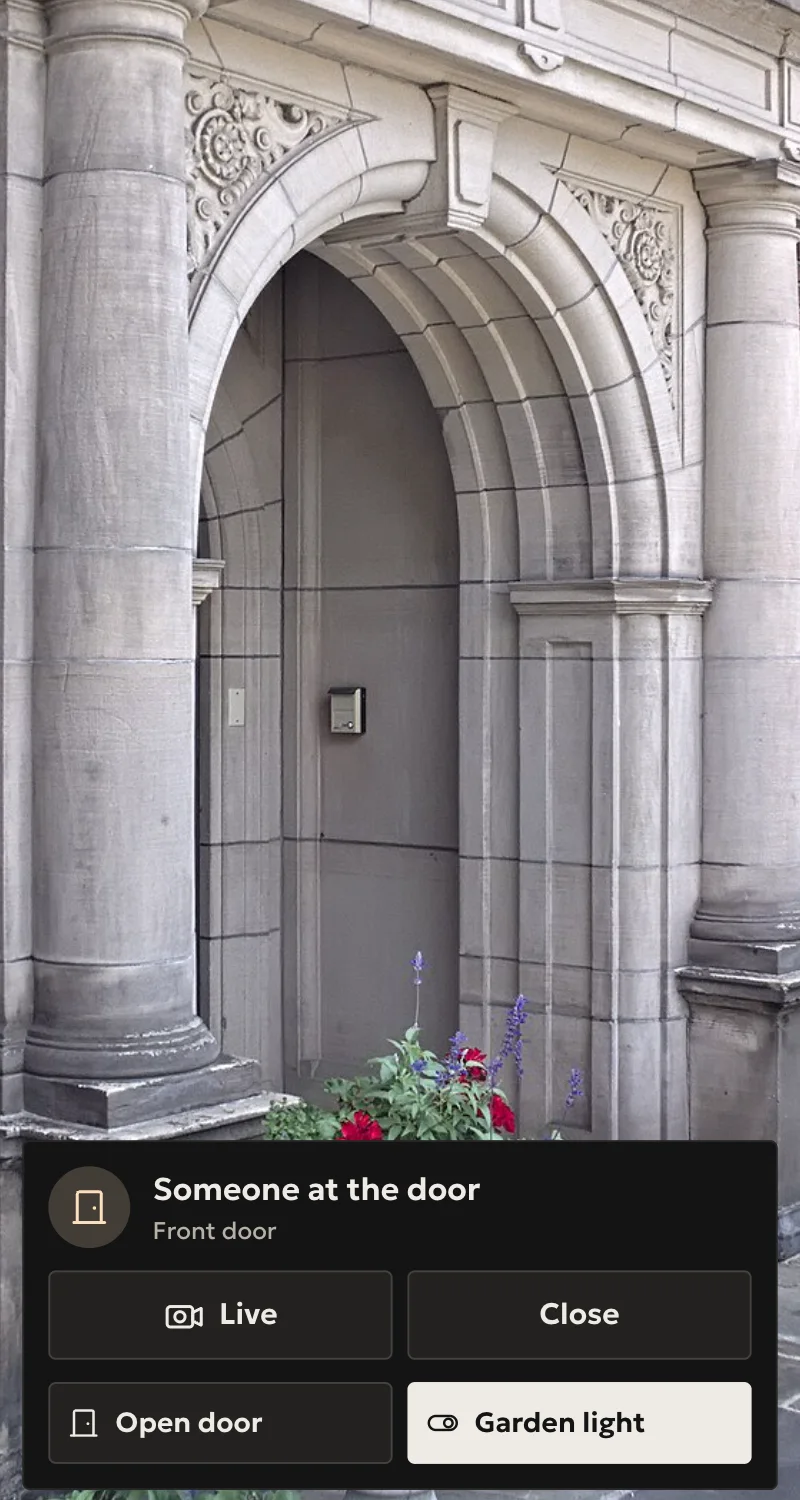
- A press of the button notifies Home and opens the camera on wall screens.
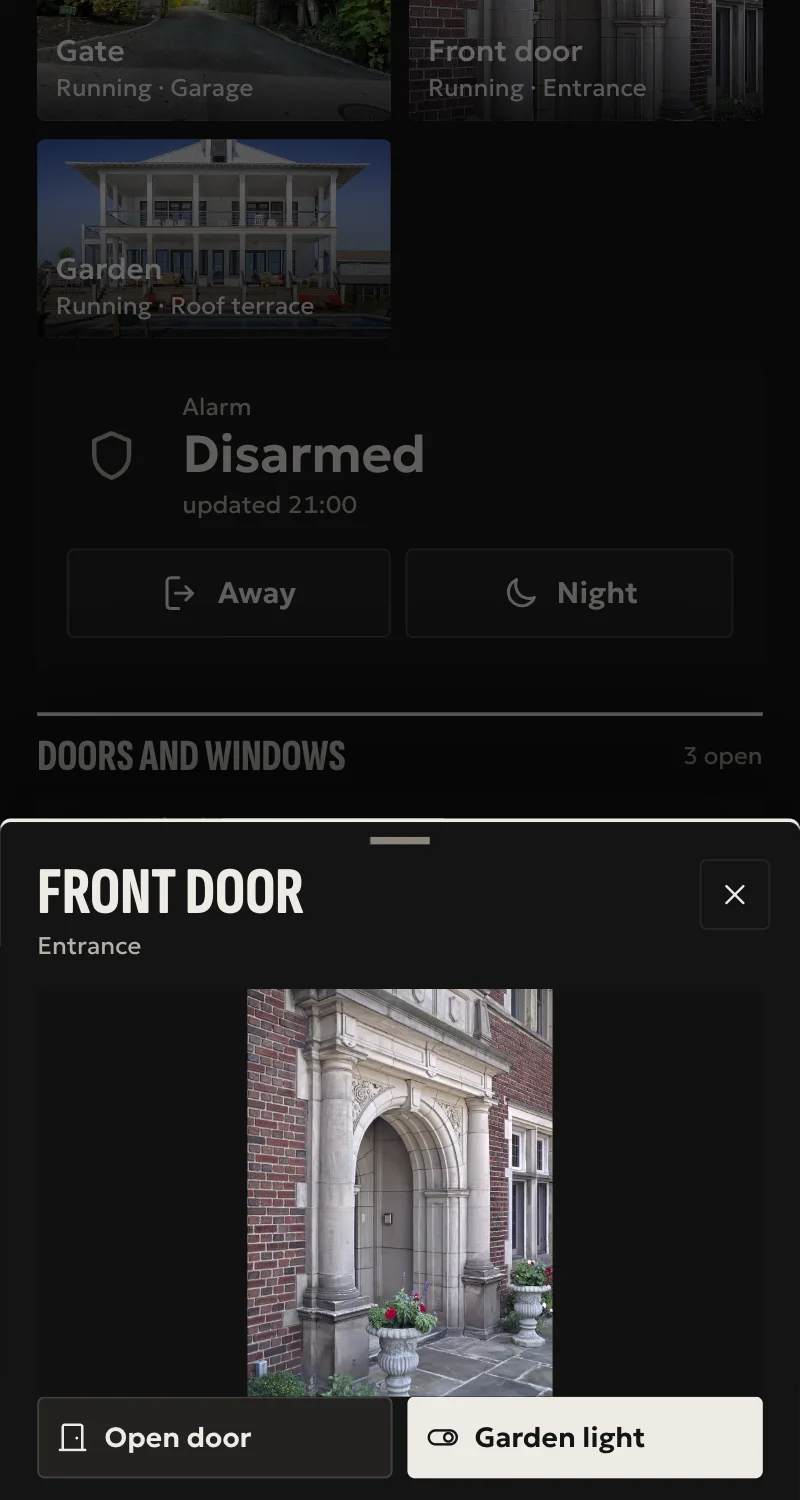
- Live picture without sound, and a still picture when the video cannot play.
- Opening the door from the station's relay, with one press in Home.
- Home also shows the door opening when it is opened from the monitor or DMSS.
Worth knowing
- The door opens with no PIN, for anyone in the house with access to switches. The installer cannot open it from afar.
- No talking and no sound: from the phone you see and open, you do not answer the call.
- The picture runs a few seconds late.
- A wrong password is not retried for 30 minutes, because Dahua locks the account.
- Picture, video and the bell's signals were tried on a VTO3211D. Opening the door from Arvio only against a simulation.
Setup guide
Driver: systems.arvio.dahua-intercom. Local: it needs no internet and no Dahua account. The password stays on the hub.
For Dahua door stations (VTO) on the same network as the hub. The ring, the picture and opening the door all go through the station, as they do on its monitor and in DMSS.
What you need
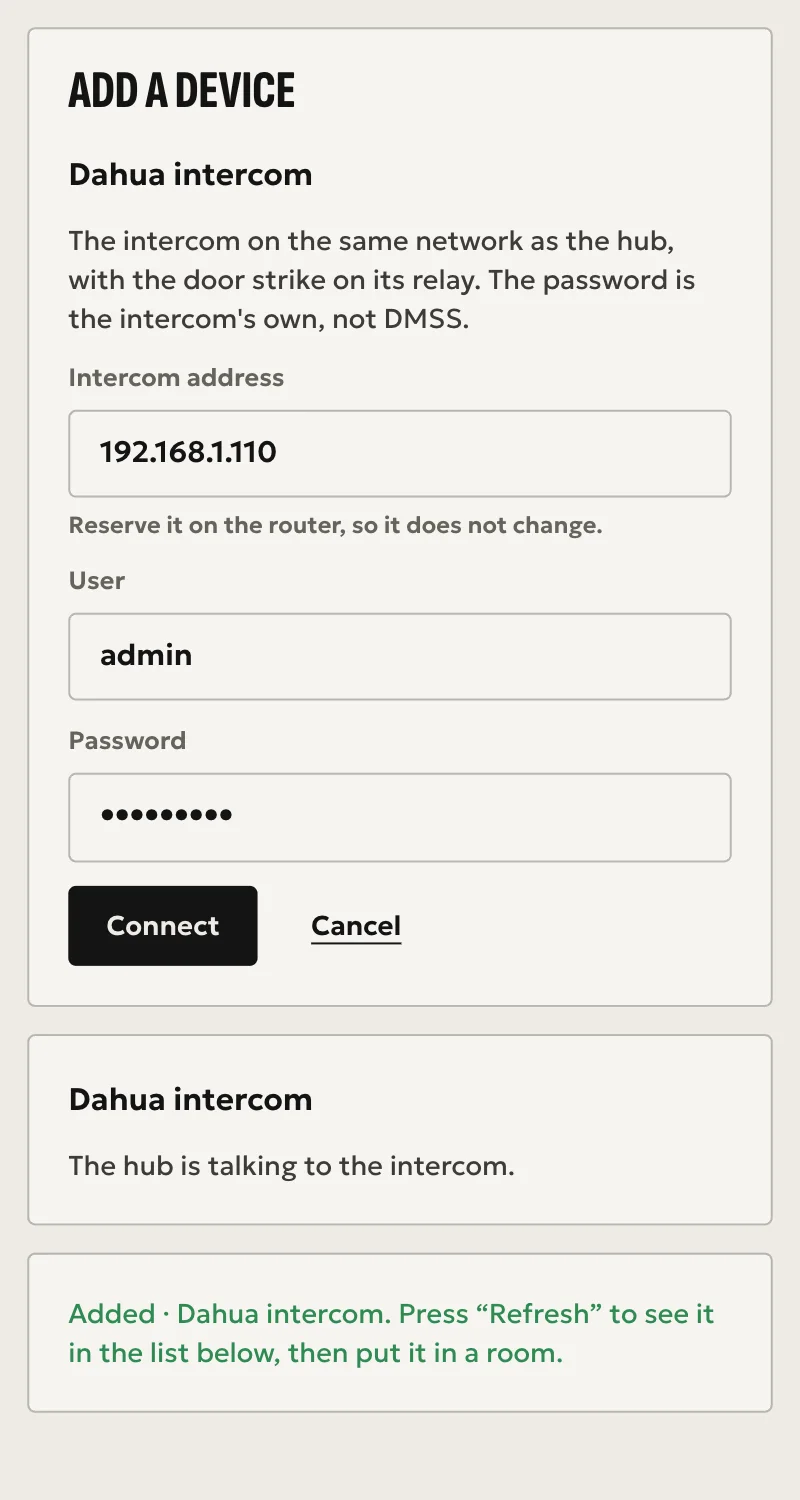
- The station's address. Keep it reserved on the router.
- The username and password of the station itself, not of DMSS.
- The door strike wired to the station's relay.
How it connects
If the driver is not in «Προσθήκη συσκευής» (Add device), bring it into the installation first: Marketplace → this driver → «Εισαγωγή σε εγκατάσταση» (Import into installation). Whatever «Εύρεση στο δίκτυο» (Find on the network) finds comes in by itself.
In Partner, open the hub and go to «Συσκευές» → «Προσθήκη συσκευής».
- Press «Εύρεση στο δίκτυο», or choose «Θυροτηλέφωνο Dahua» and type the address.
- Type the username and password. Take care: after a few wrong attempts Dahua locks the account.
- Choose «Ρελέ 2» only if the strike is on the second relay.
- Press «Σύνδεση».
This creates three things: a camera, a call sensor and a switch for the door. Put them in the same room.
To open the picture on wall screens when the bell rings, go to «Οθόνες» → «Κουδούνι» and choose the camera and the door switch.
What works
- A press of the button notifies Home and opens the camera on wall screens.
- Live picture without sound, and a still picture when the video cannot play.
- Opening the door from the station's relay, with one press in Home.
- Home also shows the door opening when it is opened from the monitor or DMSS.
Limits
- The door opens with no PIN, for anyone in the house with access to switches. The installer cannot open it from afar.
- No talking and no sound: from the phone you see and open, you do not answer the call.
- The picture runs a few seconds late.
- It takes the station's second stream, whose resolution is set in the station's settings.
- Picture, video and the bell's signals were tried on a VTO3211D. Opening the door from Arvio only against a simulation.
If something goes wrong
- «Λάθος όνομα χρήστη ή κωδικός»: try the password on the station's own page before trying again. If it has locked, wait a while.
- The door does not open but the picture plays: if the strike is on the second relay, remove the station and add it again with «Ρελέ 2».
- No notification on a ring: tell SFK. The hub's log records what that model sends.
- A still picture instead of video: the second stream may be H.265. Set it to H.264 in the station's video settings.