
Climate
Broadlink IR/RF
Air conditioners, TVs and anything else with an infrared or radio-frequency remote, through a Broadlink on the local network. No internet or account needed.
What it does
- Broadlink RM4 mini, RM4C, RM4 TV mate, RM4 pro, RM mini 3, RM pro and plus.
- The installer learns the buttons from the customer's own remote, in Partner, one at a time. Or pastes a ready code in base64.
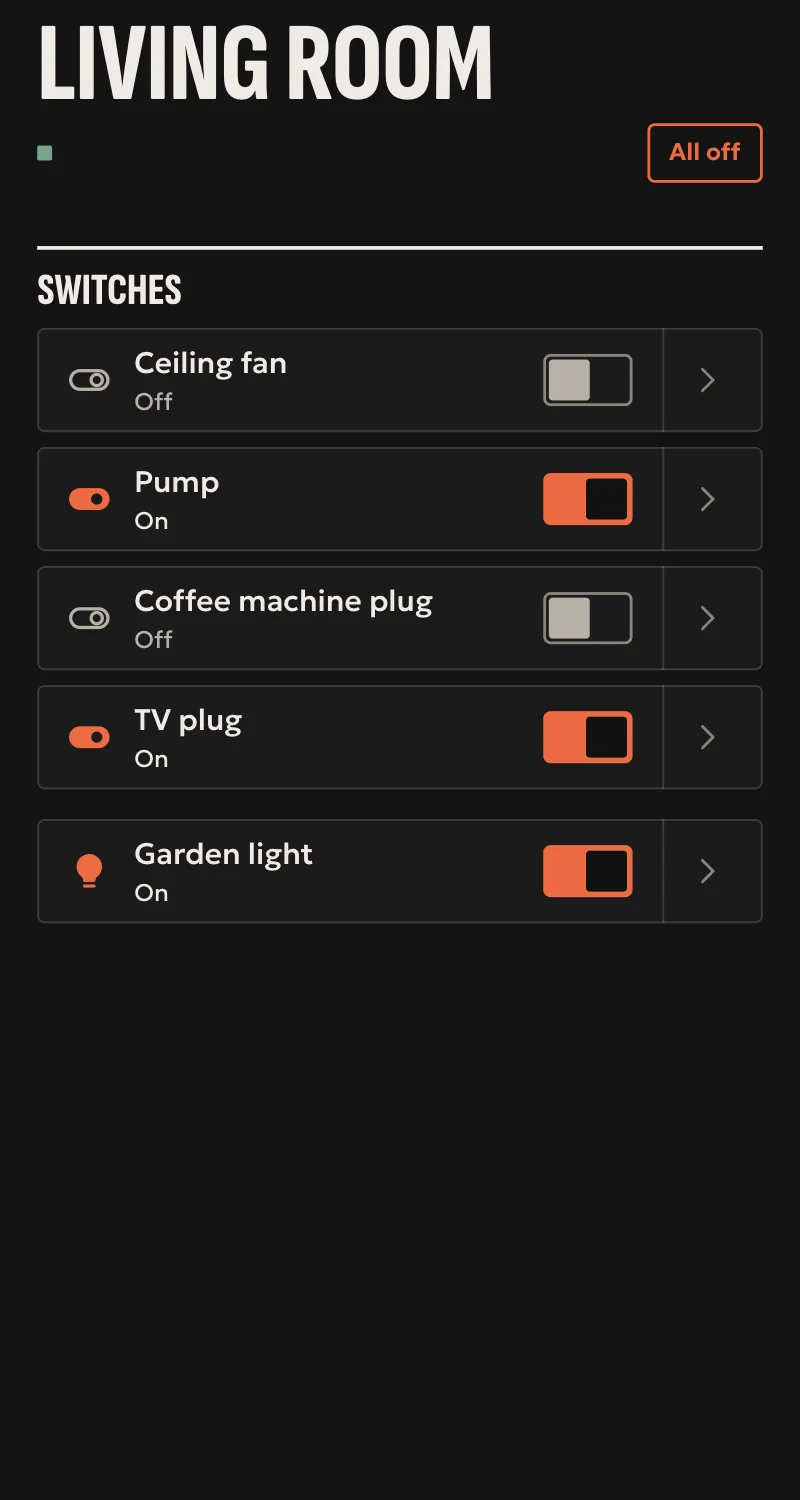
- «On» and «off» become the appliance's switch, for Home, scenes and automations.
- Every other button becomes a scene: «TV · Netflix».
- Air conditioner: the installer learns settings, a mode and a temperature (such as «cool 24°»), and Home shows it with the climate card, with those modes and that temperature range. A temperature in between sends the nearest one learned.
- Radio frequencies (433 and 315 MHz) with an RM4 pro or RM pro, in two presses: the frequency, then the code. For shutters, sockets and lights with an RF remote.
- TV: with the arrows, OK, back, home and volume, it gets Home's remote.
- RM4 with its sensor cable: temperature and humidity. RM pro: temperature.
- If the Broadlink changes address, the hub finds it again by itself.
Worth knowing
- Infrared and radio go one way: done means the Broadlink sent the code, and the state is what was sent. Home says «sent». If someone uses the remote, the hub does not know.
- An air conditioner has only the settings learned: no fan speed or swing. Changing the temperature while it is off turns it on, since each code is a whole setting.
- RF gates and garage doors are not taken: they would become a switch without the door rules.
- The first Wi-Fi setup is done from the Broadlink app, and the device must not be locked there.
- Tested against a simulated device so far, not yet on a real Broadlink.
Setup guide
Driver: systems.arvio.broadlink. Local: it needs no internet and no Broadlink account.
For air conditioners, TVs, fans and anything else with an infrared remote, through a Broadlink RM4 mini, RM4C, RM4 TV mate, RM4 pro, RM mini 3, RM pro or plus. With an RM4 pro or RM pro, radio-frequency remotes too (433 and 315 MHz).
What you need
- The Broadlink on the home's Wi-Fi, set up from the Broadlink app, on the same network as the hub.
- In the Broadlink app, in the device's settings, «Lock device» switched off.
- Its address reserved on the router.
- The Broadlink able to see the appliance: in the same room, with no furniture in between.
- The customer's remote, to learn the buttons.
How it connects
If the driver is not in «Προσθήκη συσκευής» (Add device), bring it into the installation first: Marketplace → this driver → «Εισαγωγή σε εγκατάσταση» (Import into installation).
In Partner, open the hub and go to «Συσκευές» → «Προσθήκη συσκευής».
- Press «Broadlink» and pick the device it found, or type its address.
- Press «Σύνδεση».
Then learn the buttons with the form «Broadlink: μάθε κουμπί» (learn a button), one at a time:
- Pick the Broadlink.
- Write what it controls, e.g. «Κλιματιστικό σαλονιού». With the same name, every button goes to the same appliance.
- Pick «Άναμμα» (on), «Σβήσιμο» (off) or «Άλλο κουμπί» (another button), and for the last one give it a name, e.g. «Netflix».
- Press «Μάθε» (learn), point the remote at the Broadlink from close by, and press the button within 30 seconds.
If you already have the code in base64, paste it into «Κωδικός» (code) and no remote is needed.
For a TV, also learn the buttons «Τηλεόραση: …» (TV: arrows, OK, back, home, volume). With the first of them it becomes a TV, with Home's remote.
For an air conditioner, learn the settings the customer will use one by one, with «Κλιματιστικό: ρύθμιση» (air conditioner: setting), and «off». An air conditioner's remote sends the whole setting at once, so each setting is one code:
- Pick «Κλιματιστικό: ρύθμιση», the mode (cool, heat, dry, fan, auto) and write the temperature, e.g. 24. For dry and fan it can stay empty.
- On the remote, set the mode and one degree below, e.g. 23.
- Press «Μάθε» (learn), and pointed at the Broadlink press + once, so that cooling at 24° is sent.
For example cool 22° to 26°, heat 20° to 24°, and off. With the first setting the appliance becomes an air conditioner in Home, with those modes and that range.
For a radio-frequency remote (RM4 pro or RM pro), the form is «Broadlink: μάθε κουμπί RF» (learn an RF button), in two steps:
- Pick the Broadlink, appliance and button as above, and press «Βρες τη συχνότητα» (find the frequency). Hold the remote's button down close to the Broadlink until it is found.
- Let go, press «Μάθε» (learn), then press the button once, briefly.
Not for gates and garage doors: they would become a switch or a scene without the door rules.
When Partner says «Προστέθηκε», press «Ανανέωση» and put the appliance in a room.
What works
- «On» and «off» become the appliance's switch, in Home, scenes and automations.
- Every other button becomes a scene, e.g. «TV · Netflix».
- TV: with the «Τηλεόραση: …» buttons, Home shows its remote and volume.
- Air conditioner: Home shows it with the climate card, with the modes learned and their temperature range, and automations set it. A temperature in between sends the nearest one learned. With an RM4 and its sensor cable, it shows the room temperature too.
- Radio frequencies with an RM4 pro or RM pro, for shutters, sockets and lights.
- RM4 with its sensor cable: temperature and humidity. RM pro: temperature. They appear by themselves.
- If the Broadlink changes address, the hub finds it again by itself.
Limits
- Infrared and radio go one way: done means the Broadlink sent the code. The state is what was sent, and Home says «στάλθηκε» (sent). If someone uses the remote, the hub does not know.
- An air conditioner has only the settings learned: no fan speed or swing. Changing the temperature while it is off turns it on, since each code is a whole setting.
- RF gates and garage doors are not taken.
- Tested against a simulated device so far, not yet on a real Broadlink.
If something goes wrong
- «Είναι κλειδωμένο στην εφαρμογή του» (locked in its app): in the Broadlink app, in the device's settings, switch off «Lock device».
- «Δεν ήρθε κωδικός» (no code came): press the button from closer, with the remote pointed at the Broadlink, within the 30 seconds.
- «Δεν βρέθηκε συχνότητα» (no frequency found, RF): hold the button down closer to the Broadlink for the whole search, and start over.
- The air conditioner does not go to the temperature chosen: that setting was not learned, and the nearest one was sent. Learn it too.
- The appliance does not react: the Broadlink cannot see it. Move it so it does, or learn the button again.
- Shows «Χωρίς σύνδεση» later: if its address changed, the hub finds it again shortly. Reserve it on the router so it does not happen again.